





Small companies need to hire like the big companies they compete with. But most can't match their spending power. That's the gap a cheap ATS fills. "Cheap" doesn't have to mean bare-bones. Done right, an affordable applicant tracking system gives you the pipeline management, automated candidate communication, and reporting that used to be reserved for teams with a dedicated recruiting budget. This article breaks down what "cheap" means in pricing terms, ranks the best cheap and free ATS options, and gives you a framework to pick one that won't force an upgrade six months from now.
What "Cheap ATS" Means
A cheap ATS sits under a low flat fee or a minimal base rate. Companies or agencies can use it as an “out-of-the-box” recruitment tool purchase that skips the enterprise price tag. Enterprise suites price differently, with custom quotes, sales calls, and contracts negotiated per account.
Pricing breaks down into a few models: per-user, flat monthly, per-job, and free-forever.
The real cost traps show up as your team grows, not on day one:
- Per-user cost: Cheap at one seat, expensive once you add a second recruiter or a hiring manager.
- Paywalled integrations: Email or calendar sync locked behind a higher tier.
- Job-posting caps: Hiring for more roles than your plan allows forces an upgrade.
- Add-on fees: Reporting, career pages, or extra job-board reach cost extra.
Best Cheap ATS Systems and Free Options
Seven applicant tracking system options stand out for teams without a dedicated IT or HR department: transparent pricing, low setup overhead, and no enterprise sales process.
Full pricing tiers, feature breakdowns, and setup notes for each are in our guide to applicant tracking system for small business.
Editor’s note: Include at least one free option and one flat-rate option in your own trial round. Comparing extremes (free tier vs. flat rate vs. per-user) shows you which pricing model fits how your team hires.
{{cta}}
Free vs. Paid ATS: When Free Tiers Fail
Free applicant tracking systems serve as an initial trial rather than a permanent recruiting solution. Startups and freelance recruiters inevitably outgrow these plans due to strict operational constraints. The primary functional limits that trigger a paid upgrade include:
- User Caps: Most free plans restrict access to a single user login, requiring a paid tier as soon as a second team member needs to see the pipeline. For instance, Jobsoid limits its free tier to one user, and Breezy HR blocks team collaboration until you upgrade.
- Job Limits: Free tiers usually allow only one active job posting at a time, which makes multi-role hiring impossible. Both Breezy HR and Jobsoid cap their free plans at just one active job listing.
- Candidate Volume: Low caps on total candidates cause databases to fill up quickly during active hiring campaigns. Even low-cost paid plans can limit your volume, such as Manatal capping its starting tier at 10,000 candidates.
- Feature Gaps: Key tools like email sync, calendar scheduling, and automated job posting are usually locked behind paid tiers. For example, Breezy HR leaves email integration out of its free plan, and Zoho Recruit keeps advanced automations restricted to higher paid tiers.
- Support and Compliance: Free users get self-serve help articles instead of live support, and these plans often lack advanced data protection. You also miss out on deeper tools, such as the advanced analytics and reporting locked behind the higher tiers of Recooty.
Complementary Free Tools to Stretch Your Budget
While general-purpose tools like spreadsheets or email folders can track a few applicants, they fail to automate rejections or prevent duplicate resumes. To extend a limited budget, companies can pair a low-cost ATS hub with complementary free tools.
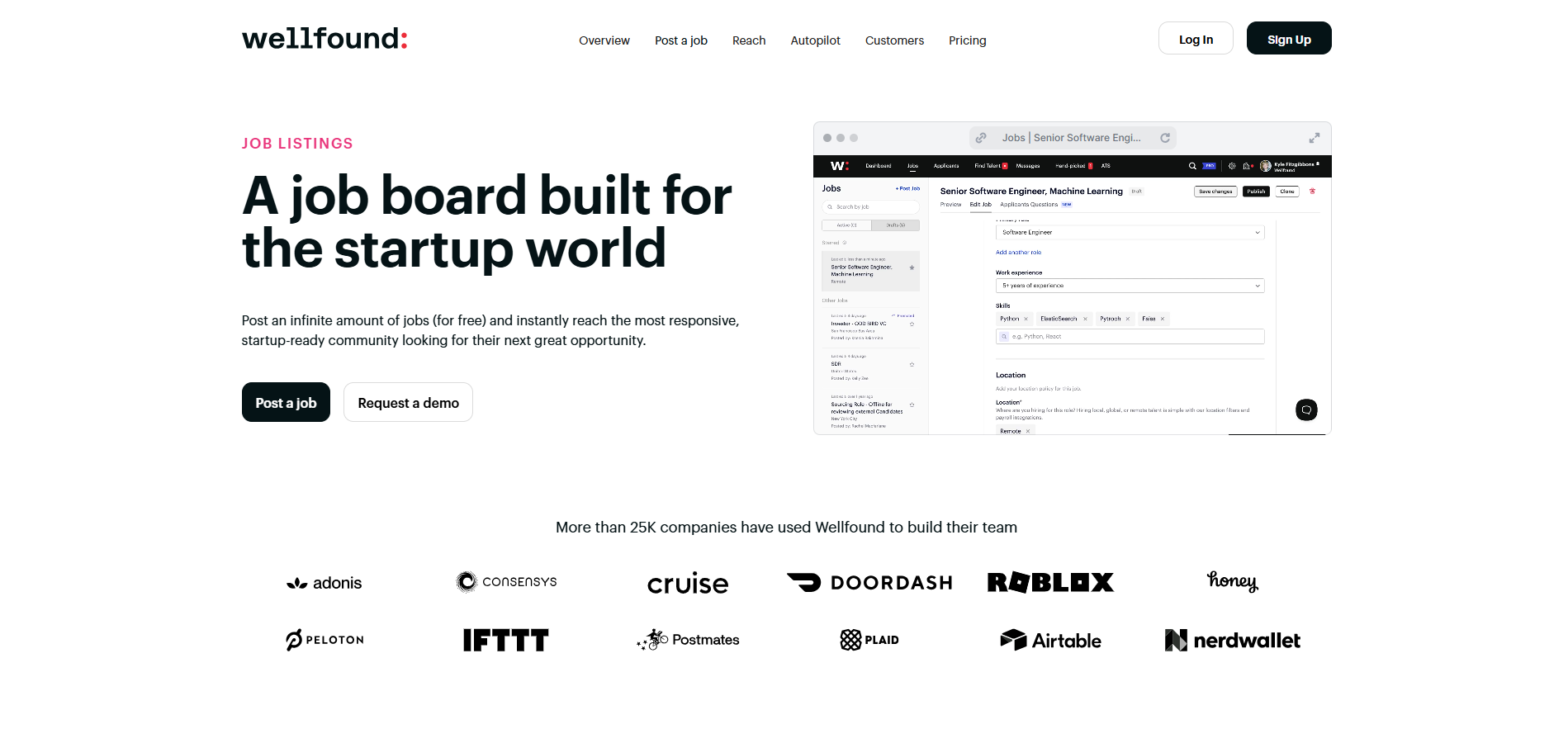
Job Distribution: Platforms like Wellfound provide free distribution for specialized roles without requiring added advertising spend.

Candidate Screening: Free tiers of skills-assessment tools like TestGorilla Assessments validate applicant capabilities before you schedule interviews.

Contact Sourcing: Free versions of discovery platforms like Apollo.io help you find direct email addresses when you need to pitch passive candidates.
How to Choose a Cheap ATS
Do not rely only on the advertised sticker price. Test the software during a free trial and use this checklist to get the best value.
- Calculate true costs: Factor in your hiring growth for the next year and check for hidden setup or data migration fees.
- Compare pricing models: Run the math on per-user fees versus flat monthly rates to see which stays cheaper as you scale.
- Ask for annual discounts: Pay yearly instead of month-to-month to lower the base price immediately.
- Time your purchase: Buy near the end of a business quarter when sales teams are motivated to waive setup fees.
- Test the integrations: Connect your work email and calendar during the trial to ensure data syncs automatically.
- Verify support and security: Email the help desk to test their response speed, and request official SOC 2 or GDPR certificates.
Conclusion
The 2026 market for cheap ATS tools offers real options: flat-rate, per-user, and free-tier that cover the core of hiring without enterprise pricing. The work is in matching the pricing model to where your team will be in a year, not just what it costs today. Start with a free trial. Run one real job through it. Check the pricing model against your projected headcount. That's enough to tell you if a tool is actually cheap, or just cheap for now.
Ready to see what a full-featured ATS looks like at small-business pricing? Start for free. No credit card required.
Frequently Asked Questions
Q: What is the cheapest ATS available for small businesses?
A: Flat-rate and free-tier tools sit at the low end. JuggleHire starts around $79/month flat, and Breezy HR offers a genuinely free tier for a single job and user. Per-user tools like Manatal start around $15/user/month, which stays cheap for a solo recruiter but scales with headcount. "Cheapest" depends on how many people need access. A $19 flat plan can cost less than a $15/user plan the moment a third person needs a login, so run the math for your actual team size rather than comparing sticker prices alone.
Q: Are free ATS tools really free, or just free trials?
A: Both exist, and they're different. A free tier (like Breezy HR's) has no time limit but caps features, usually one job and one user. A free trial (like Manatal's 14-day trial) gives full access temporarily, then requires payment once it ends. Read the pricing page carefully: "free" and "free trial" are used loosely across the category, and the difference determines whether you'll be locked out or asked to pay in two weeks.
Q: What are the biggest limitations of a free or cheap ATS?
A: Job and user caps, limited or no integrations, and lighter support are the most common. At the free-tier level, you'll also typically see fewer security and compliance controls than on paid plans, and reporting is often limited to the basics, enough to see where candidates are stuck, not enough for a detailed hiring analysis.
Q: How much should a small business expect to pay for an ATS per month?
A: Realistically, $20 to $150 per month covers most small-business needs, depending on team size and pricing model. Flat plans start around $19/month; per-user plans run $15–$49 per user, per month. The right number for your business depends less on the tool and more on how many people need seat access and how many roles you're hiring for at once.
Q: Will a budget ATS limit my job board reach or employer branding?
A: It depends on the plan. Entry-tier plans sometimes cap job-board distribution or leave out a branded career page entirely, pushing you to post manually on each board one at a time. Check what's included at your price point. Some affordable ATS platforms, including Manatal, include broad job board distribution and a career page even on lower-cost plans, which matters if visibility is as important to you as price.
Citation
.webp)







.webp)

.webp)


.webp)


