





Hiring the right talent for your organization can sometimes lead to ballooning costs. While premium job boards and recruiting tools offer advanced features, numerous free platforms provide access to quality candidates across various industries and skill levels. Whether you are a startup founder bootstrapping your first hire or a corporate TA leader trying to lower agency spend, knowing where to search online resumes for free is a critical skill. This guide breaks down the 18 most effective platforms to search candidates for free in 2026, helping recruiters and hiring managers build effective sourcing strategies without breaking the bank.
18 Sites to Search Candidates for Free in 2026
Not all "free" sites are created equal. Some offer open access to resumes, while others operate on a freemium model where searching is free but contacting requires a paid upgrade. We have analyzed 18 platforms based on candidate quality, search functionality, and accessibility.
For recruiters managing multiple job postings across platforms, centralizing the hiring process can be beneficial. An ATS, such as Manatal, can help streamline operations. Manatal provides a job board integration feature that links you to over 2,500 channels. It centralizes your campaigns across numerous job sites.
{{cta}}
1. Indeed
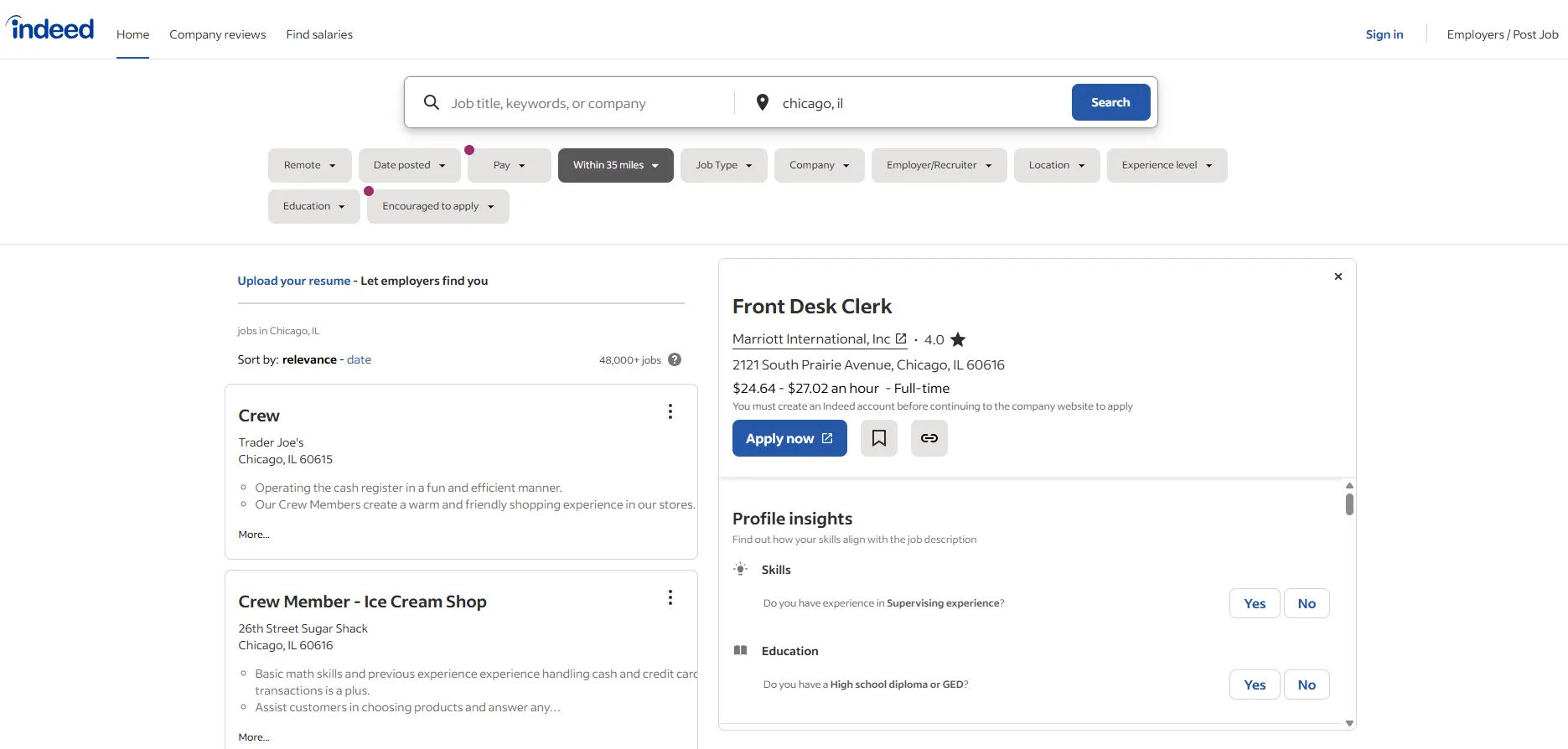
As a global powerhouse in the job market, Indeed offers one of the largest resume databases. Employers can search millions of resumes using filters for skills, experience, education, and location. While basic search is free, contacting a larger number of candidates or accessing additional insights may require premium options.
Best for: High-volume recruiting across diverse industries and experience levels.
Key Features:
- Search millions of resumes by keyword, location, and experience level
- Filter results by salary expectations and work authorization
- Contact candidates directly through the platform
- Integration capabilities with ATS systems
2. Craigslist
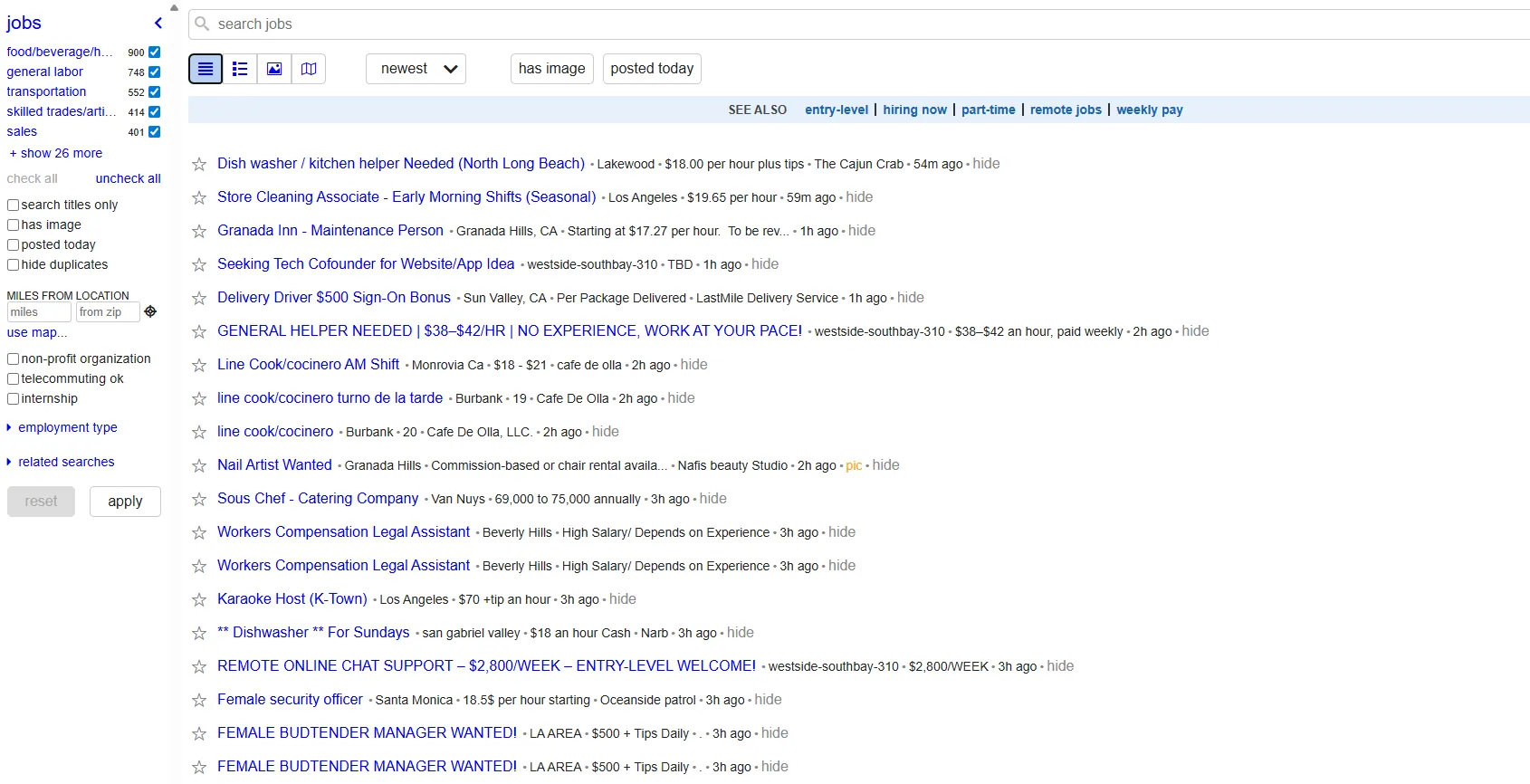
Primarily known as a job posting site, Craigslist features a “resumes” section that allows employers to browse uploaded candidate information without mandatory registration. This option can be especially useful for local, entry-level, or blue-collar positions.
Best for: Local hiring, blue-collar positions, and quick fills.
Key Features:
- Find candidates for free in local markets
- Industry-specific job categories
- Direct contact with candidates
- Cost-effective for small businesses hiring
3. JobSpider
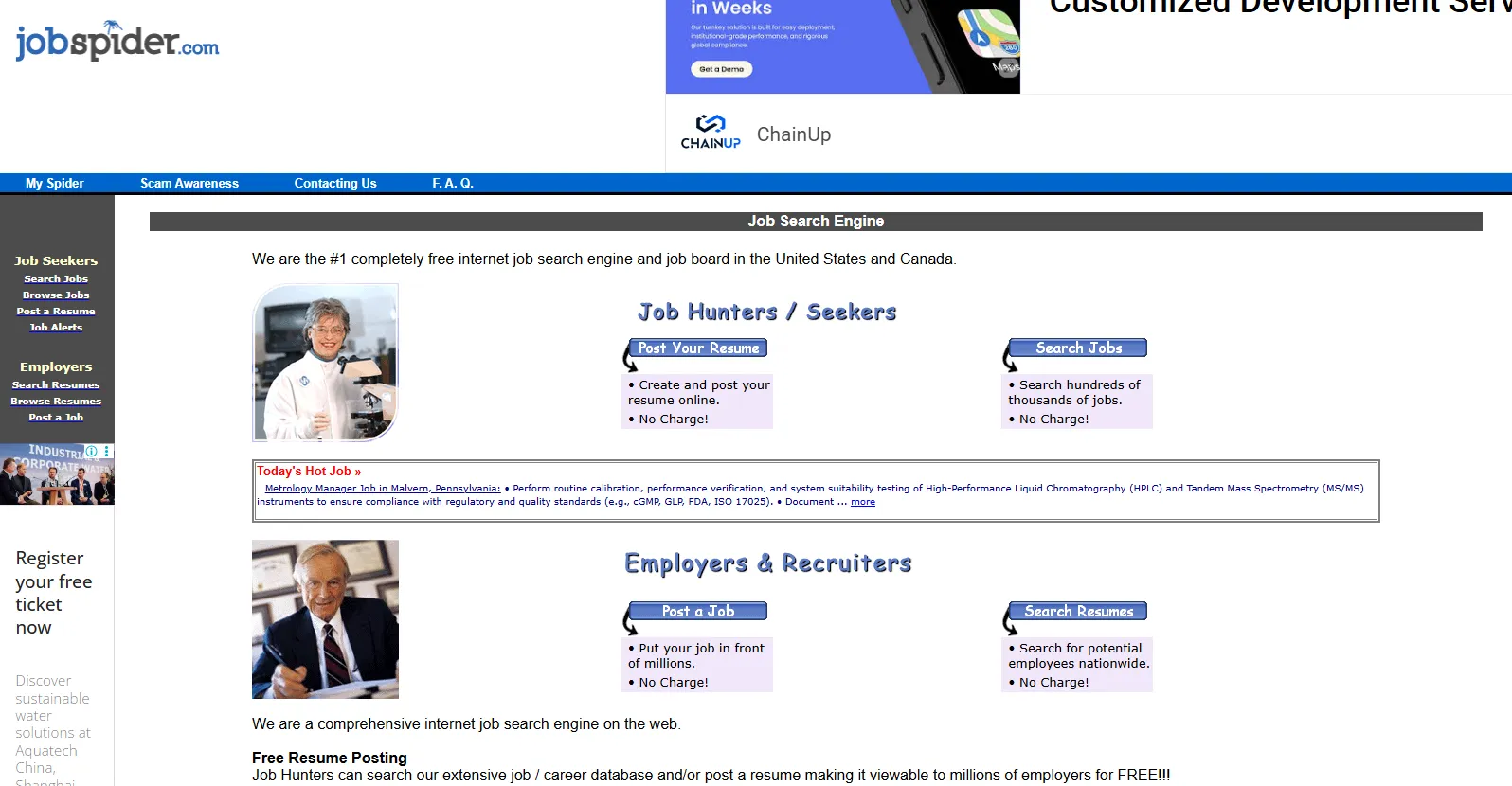
This straightforward platform offers a no-frills approach to resume search, letting employers browse candidate profiles often without registration. Although it lacks some advanced features, its extensive database covers a range of industries.
Best for: Quick candidate browsing and general recruitment needs.
Key Features:
- Multi-site job and candidate aggregation
- Resume database access with search functionality
- Email alerts for new candidates matching specific criteria
- Simple interface optimized for quick candidate searches
4. PostJobFree
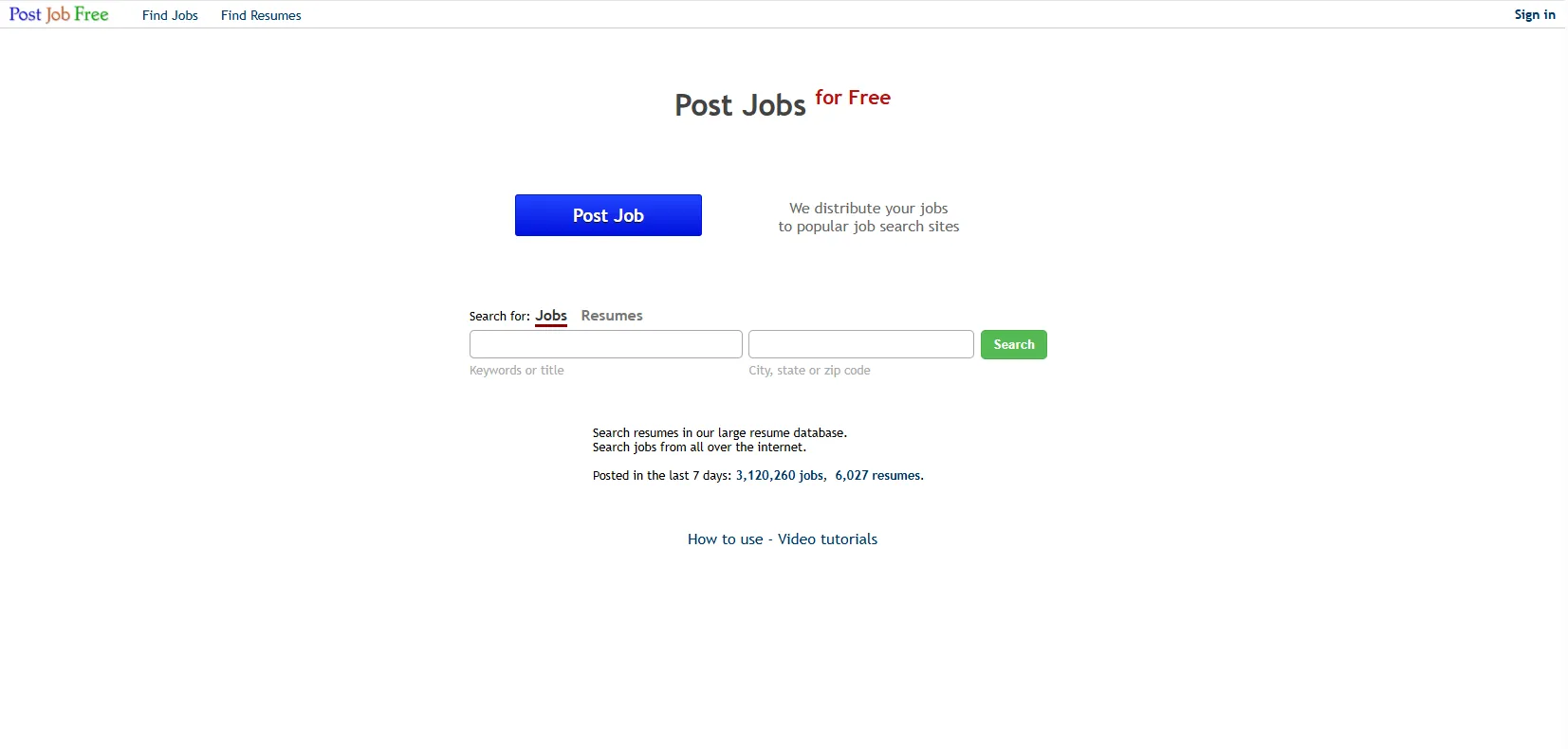
As its name suggests, PostJobFree allows employers to post jobs and search resumes at no cost. While it requires a free account to access its resume database, it offers essential filtering by location, job title, and keywords—ideal for budget-conscious recruiters.
Best for: Small businesses and startups with limited recruitment budgets.
Key Features:
- Free job posting with unlimited duration
- Candidate database search with basic filtering options
- Direct contact with potential candidates
- Industry-specific search categories
5. Jobvertise
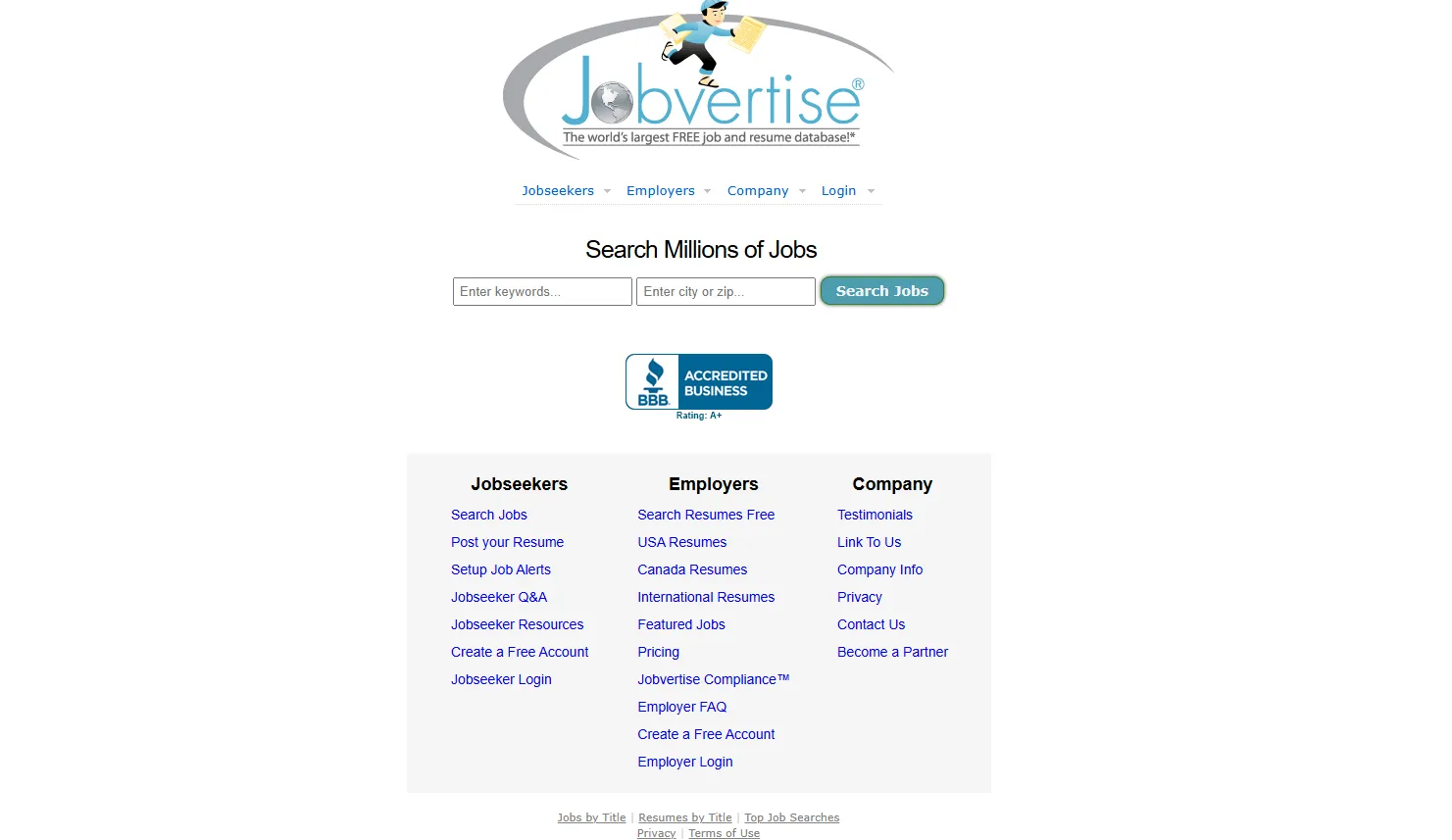
Jobvertise offers access to over 1 million resumes. It supports basic search queries and allows viewing limited candidate information, making it particularly useful for entry- to mid-level recruiting.
Best for: Filling junior to mid-level positions efficiently.
Key Features:
- Free unlimited job postings
- Searchable candidate resume database
- Email notification system for new applications
- Social media integration for broader reach
6. Wellfound (formerly AngelList Talent)
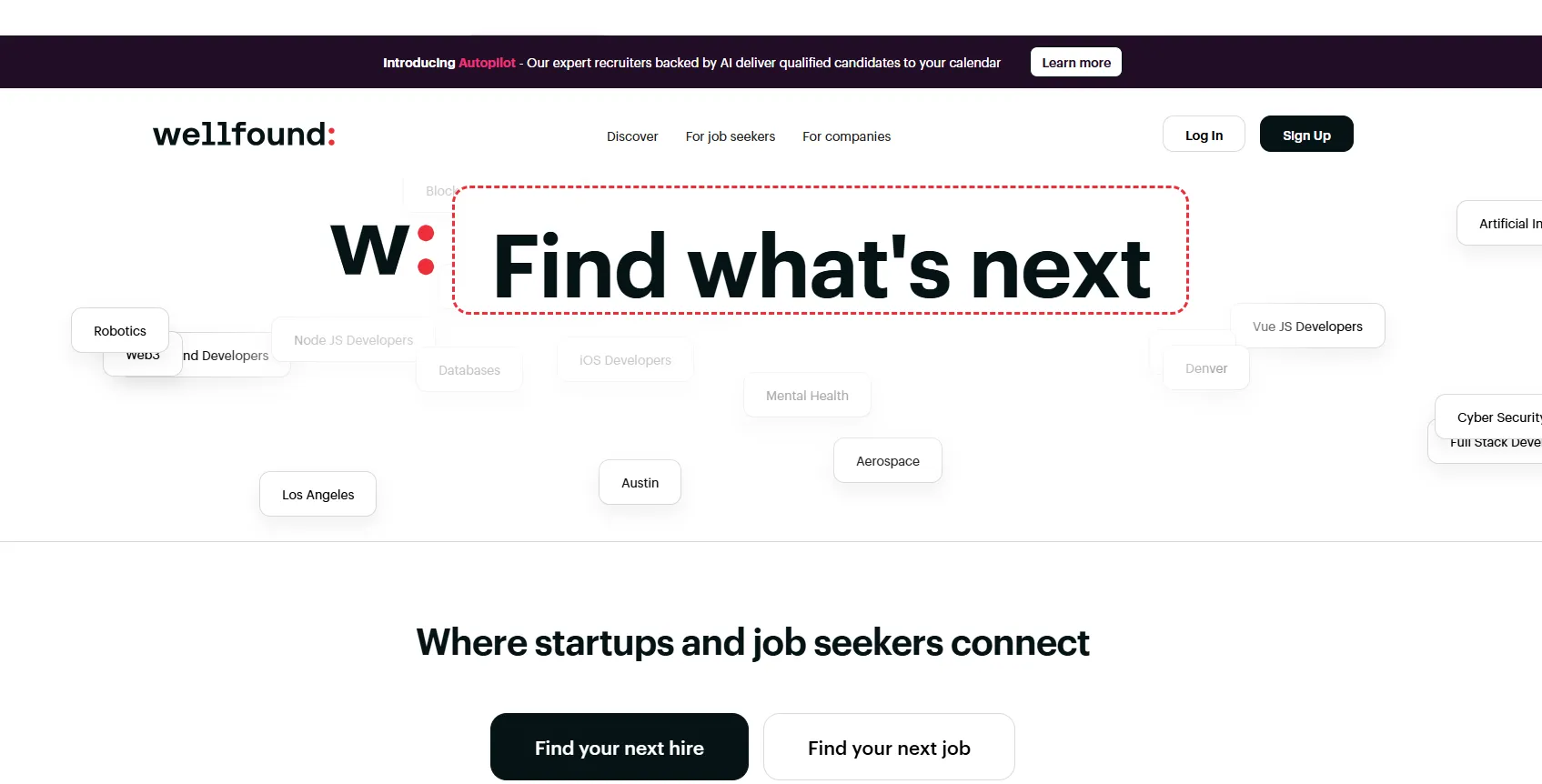
Specializing in startup and tech recruitment, Wellfound offers free access to tech talent profiles. Employers can search candidate profiles that highlight skills, experience, and portfolio work once they register on the platform.
Best for: Tech startups and technology-focused roles.
Key Features:
- Startup-focused candidate pool
- Technology and innovation talent concentration
- Equity-interested candidate profiles
- Remote work and flexible arrangement options
7. Zoominfo
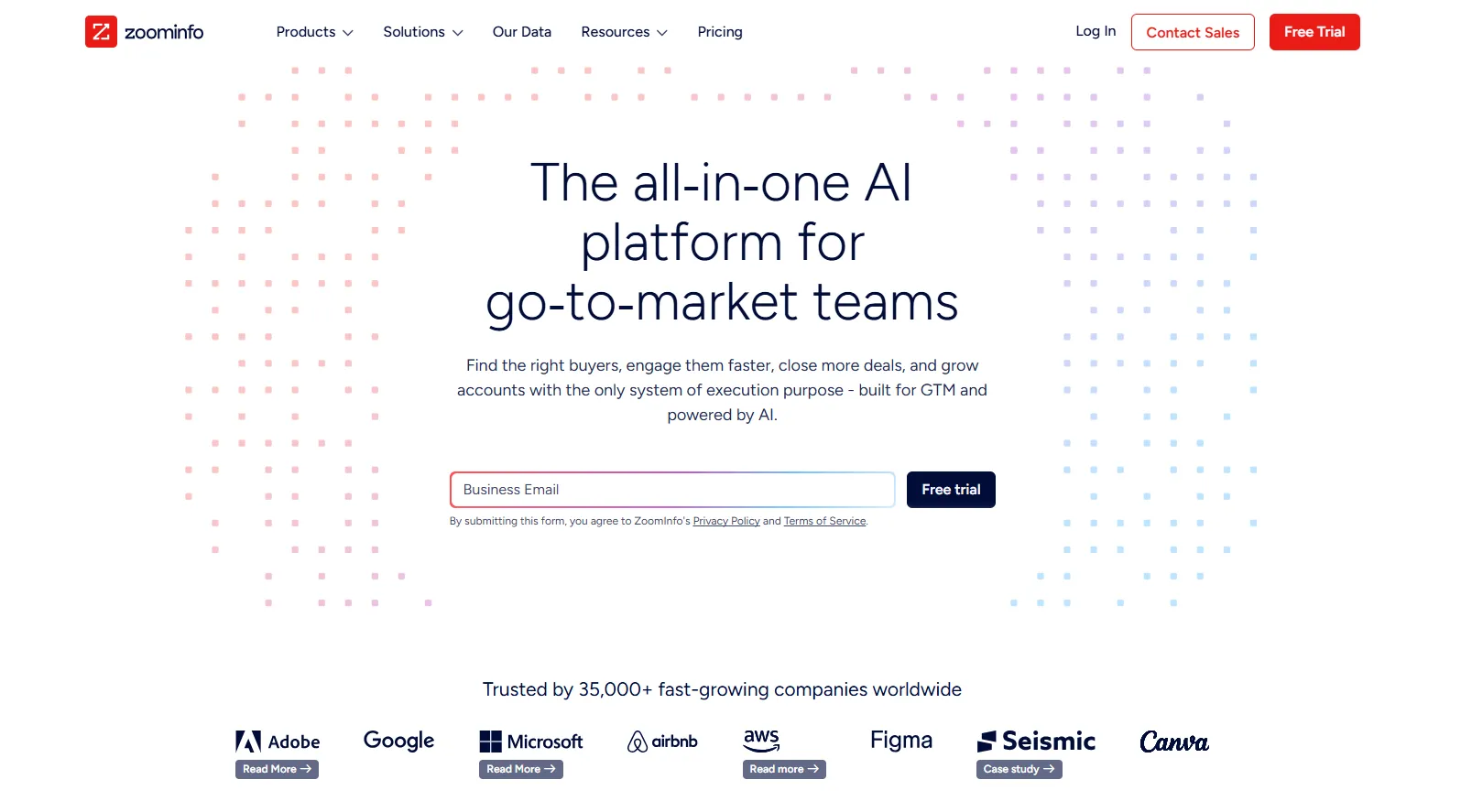
ZoomInfo's free Community Edition provides access to a limited but valuable database of professional contacts and company information. Users get access to a large B2B database with basic search filters and up to 10 contact downloads per month at no cost
Best for: B2B sales roles, business development positions, executive searches, direct outreach campaigns
Key Features:
- Access to millions of professional profiles with verified contact information
- Direct dial phone numbers and email addresses for candidate outreach
- Company organizational charts to identify team structures
- Technology stack information for tech companies
- Job change alerts to identify candidates in transition
- Chrome extension for LinkedIn profile enrichment
8. LinkedIn
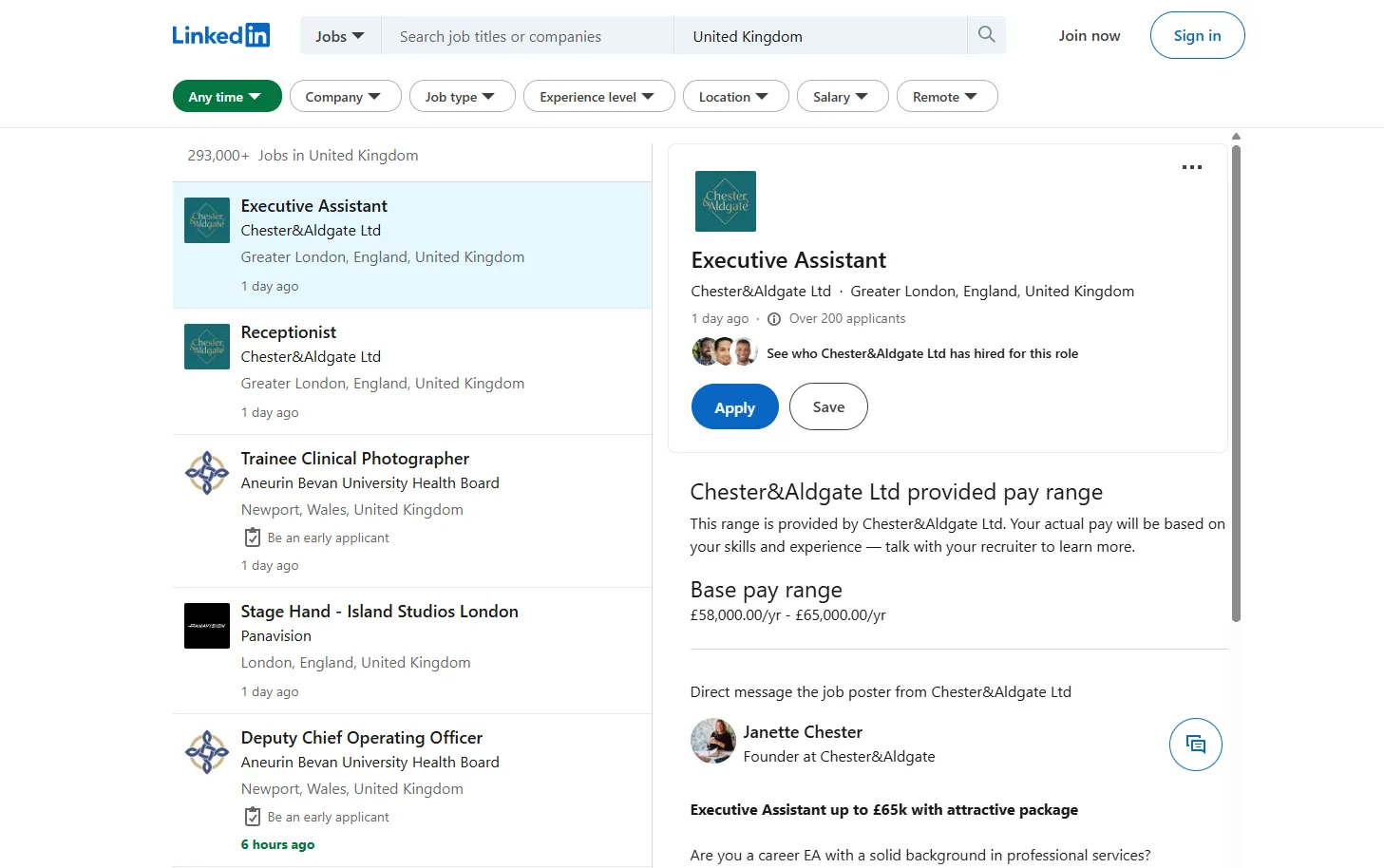
Known for professional networking, LinkedIn’s free tier still provides substantial value for resume searches by allowing recruiters to use keywords and review public profiles. However, more advanced recruitment tools and deeper insights are available with a premium subscription.
Best for: Professional roles, network-based recruiting, and passive candidate outreach.
Key Features:
- Search candidates for free using basic filters (location, industry, company)
- View public profiles and connection information
- Send direct messages to 2nd and 3rd-degree connections
- Boolean search capabilities for advanced queries
9. Ladders
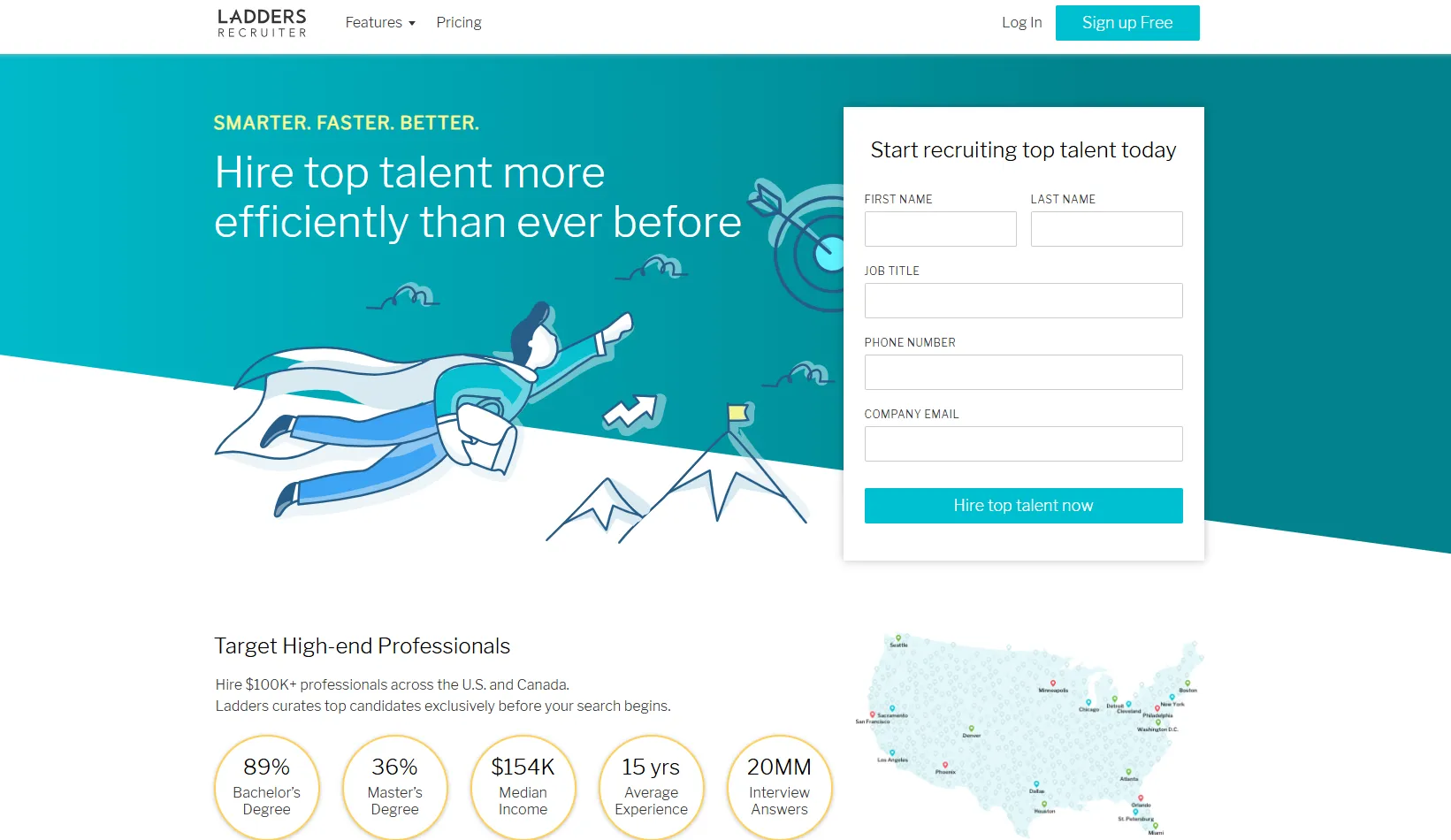
Focusing on executive and high-compensation positions, Ladders offers limited free access to its database of executive candidates (e.g., 10 resume views). Although full functionality and detailed candidate profiles require a premium account, the free tier still allows basic resume searches for high-level roles.
Best for: Executive searches and high-compensation roles.
Key Features:
- High-salary candidate focus ($100K+ professionals)
- Advanced search filters for senior-level positions
- Verified candidate profiles and career histories
- Industry-specific talent pools
10. ResearchGate
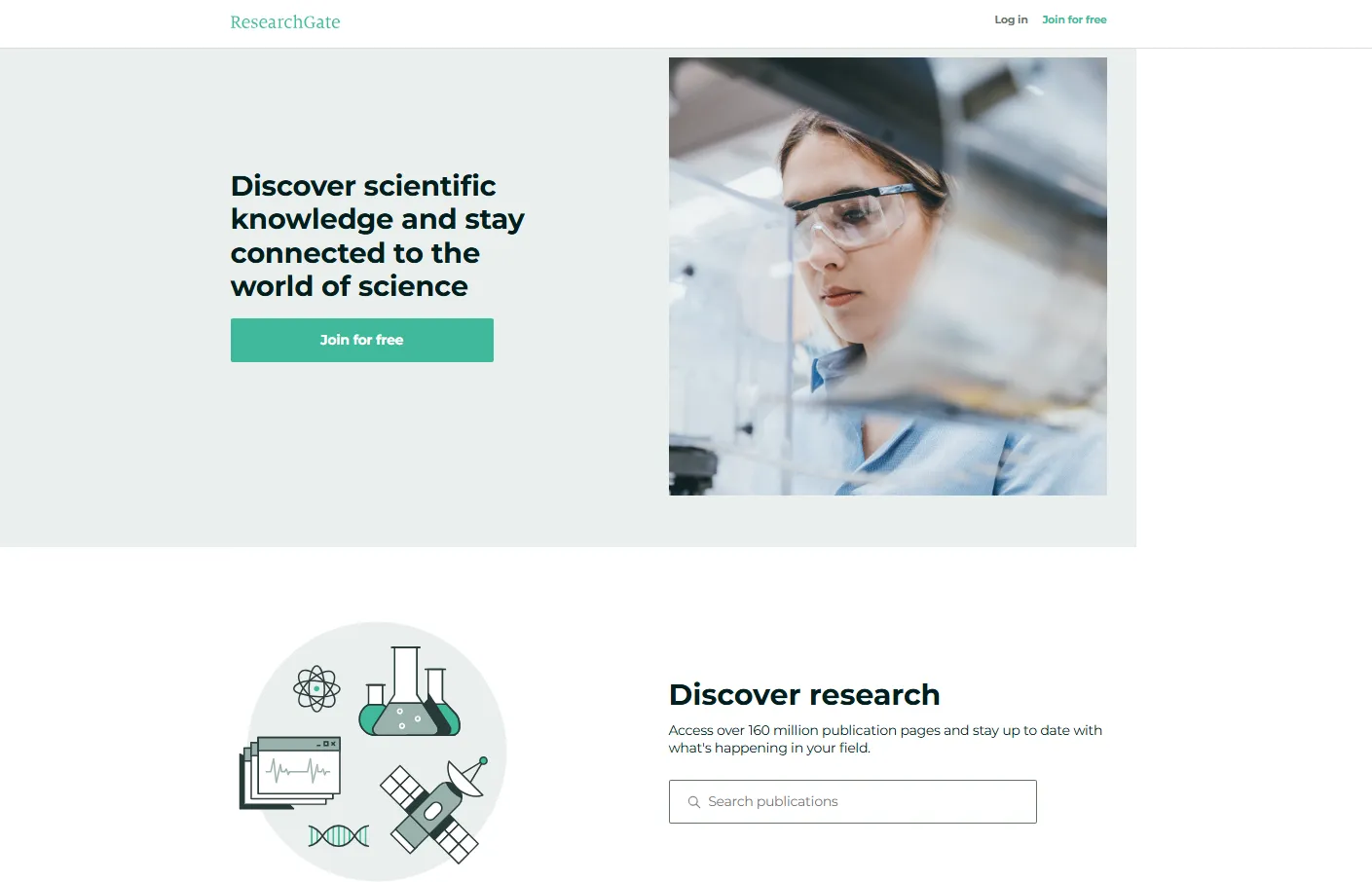
ResearchGate connects researchers, scientists, and academics worldwide, providing access to professionals in research-intensive fields and academic institutions.
Best for: Research positions, academic roles, scientific organizations, and R&D departments.
Key Features:
- Academic and research professional profiles
- Publication history and research contributions
- Institution affiliations and collaborations
- Scientific expertise and specialization areas
11. Behance
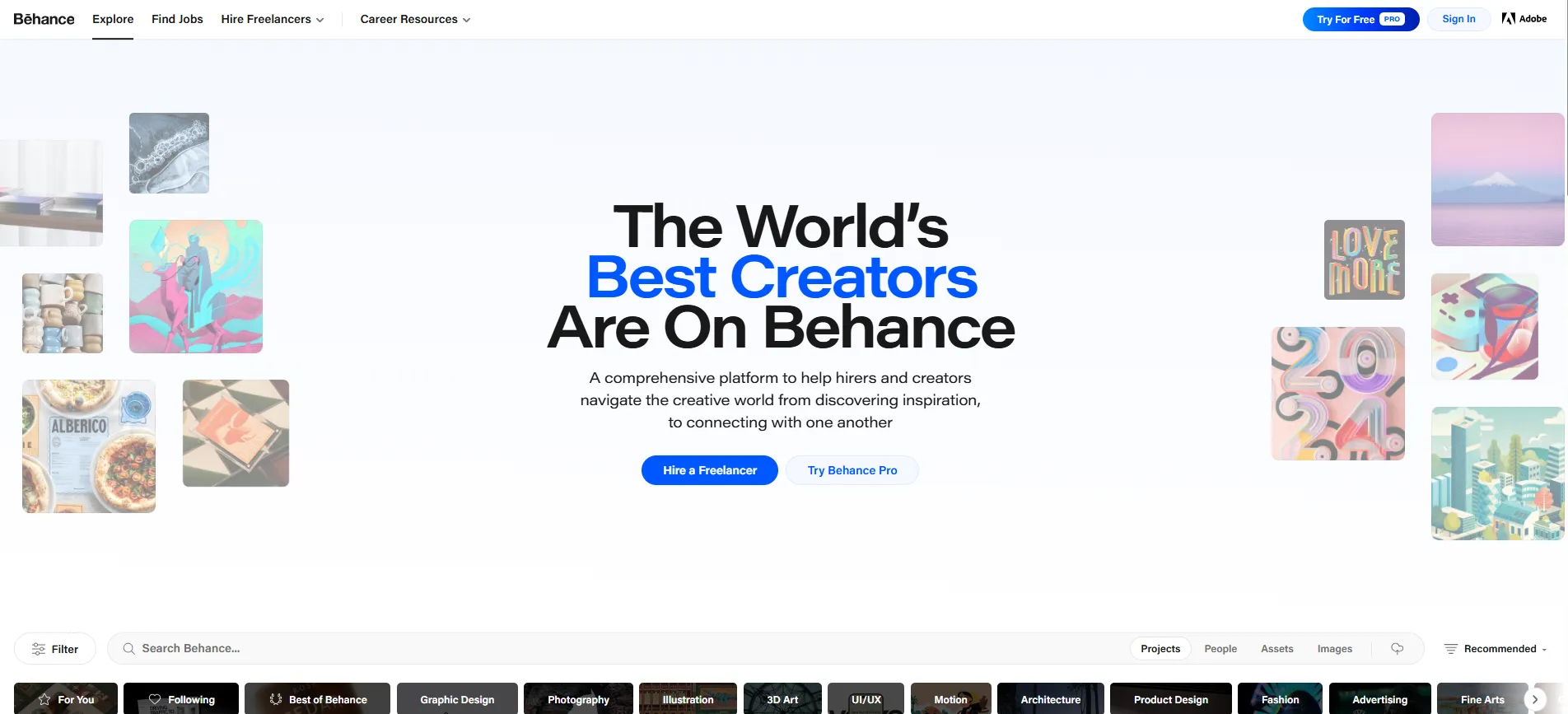
Adobe's Behance platform showcases creative professionals' portfolios, making it an excellent resource for finding designers, artists, and creative talent.
Best for: Creative roles, design positions, marketing teams, and visual content creation roles.
Key Features:
- Visual portfolio browsing and assessment
- Creative project galleries and case studies
- Skill-based search and filtering options
- Contact information and availability status
12. OPTnation
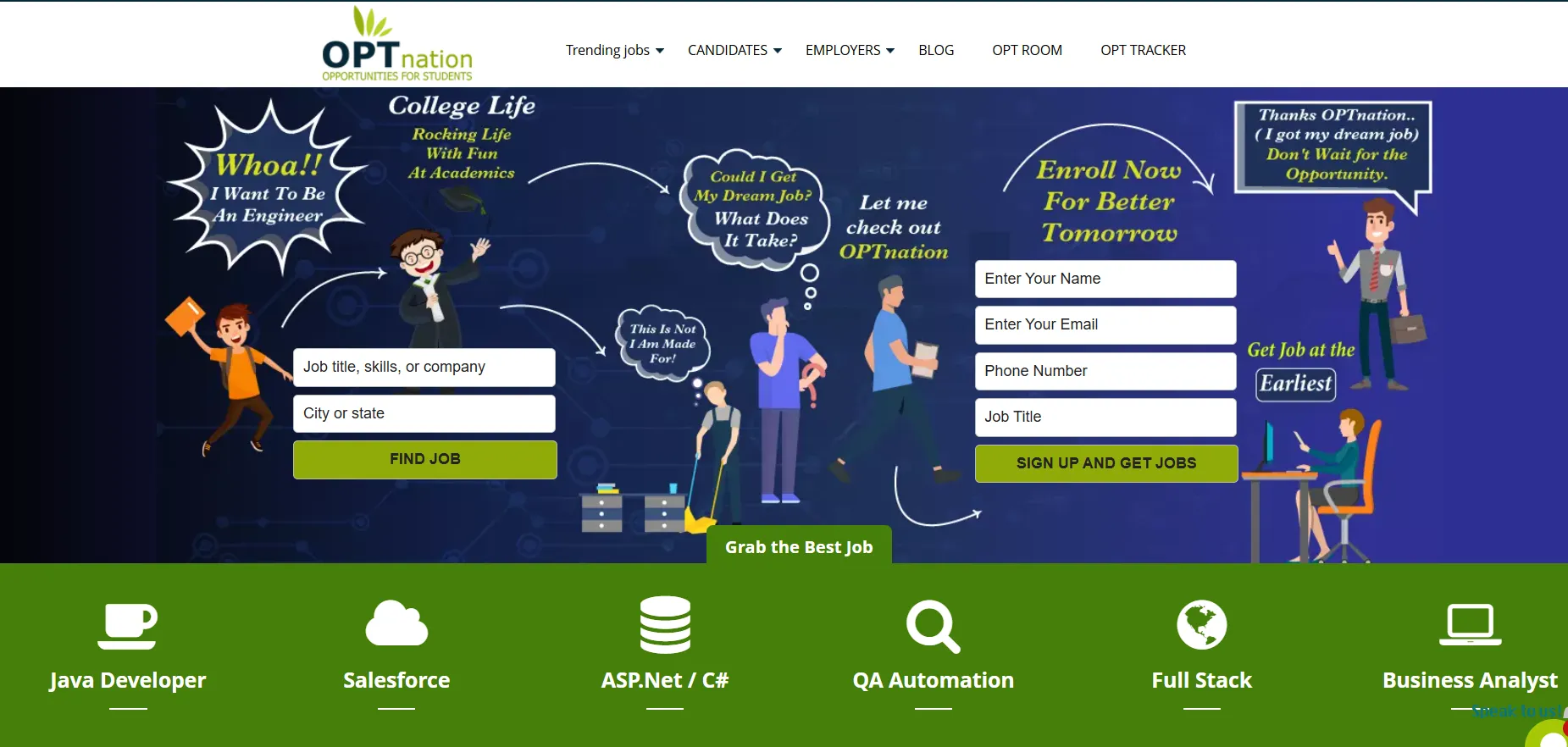
OPTnation is a specialized free database designed specifically for international students and recent graduates on Optional Practical Training (OPT) and Curricular Practical Training (CPT) visa statuses in the United States.
Best for: Tech companies, STEM positions, employers open to sponsoring H-1B visas, diversity hiring initiatives
Key Features:
- Searchable database filtered by visa status (OPT, CPT, STEM OPT extension)
- Advanced filters for skills, degree level, university, and graduation date
- Free employer registration and unlimited candidate searches
- Direct access to international students from top US universities
- Resume downloads and direct candidate contact information
- Work authorization timeline visibility for hiring planning
13. ZipRecruiter (Free Posting)
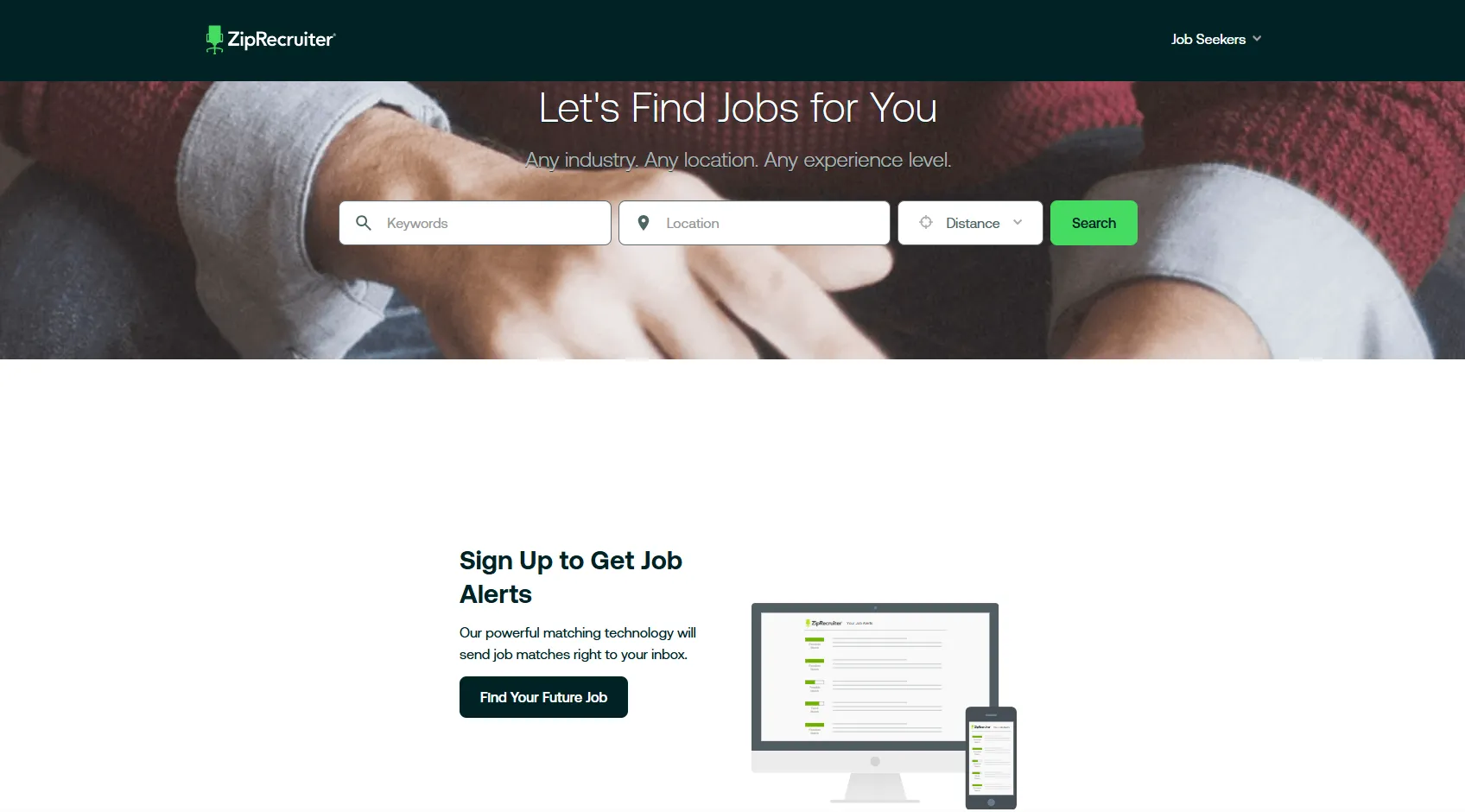
ZipRecruiter offers limited free access to its candidate database and provides powerful matching algorithms to connect employers with relevant job seekers.
Best for: High-volume recruiting, immediate hiring needs, and candidates actively seeking new opportunities.
Key Features:
- AI-powered candidate matching based on job requirements
- Mobile-first candidate engagement and application process
- Quick application features attract active job seekers
- Real-time candidate availability and interest indicators
14. Dribbble
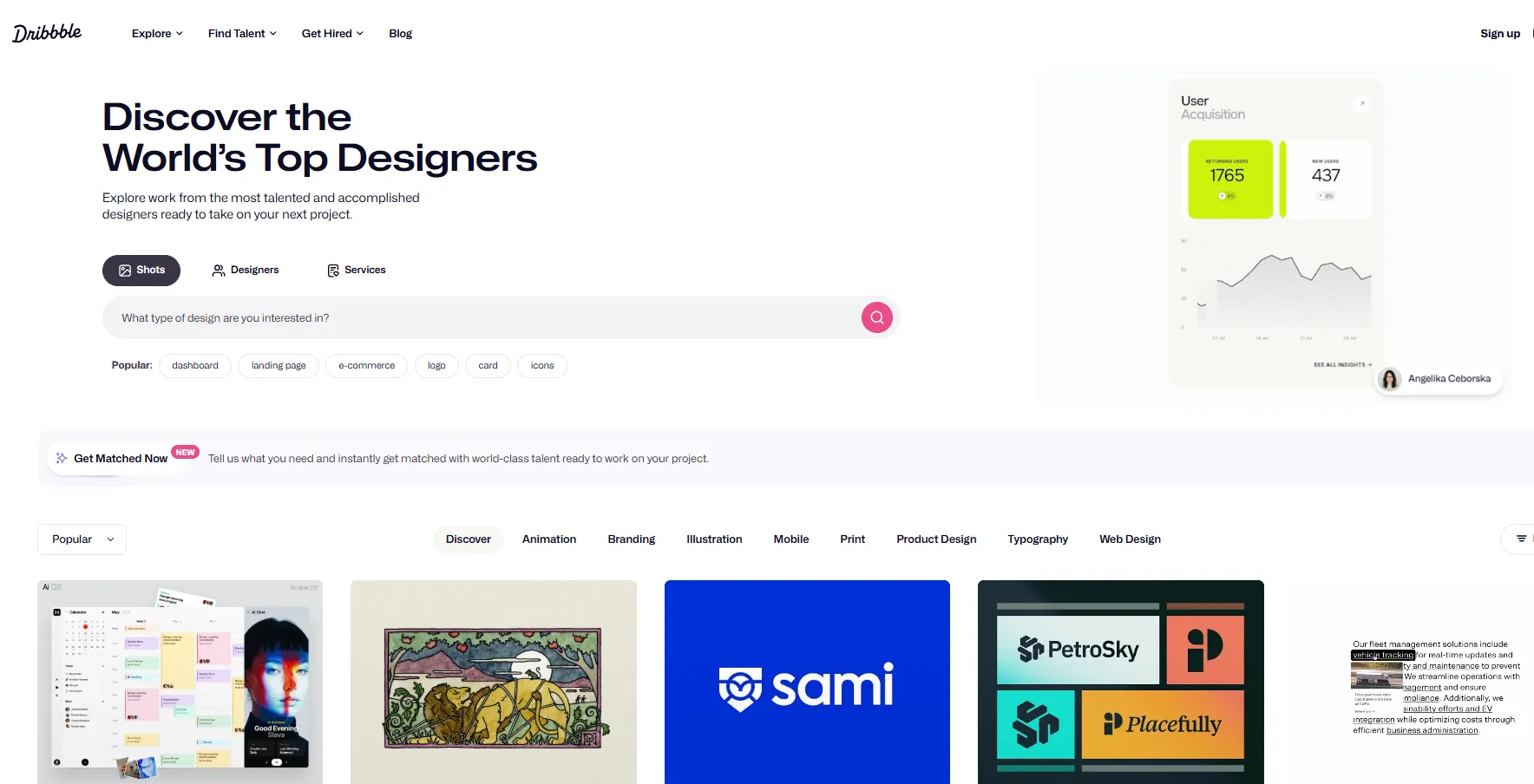
Dribbble focuses specifically on design professionals, offering a curated community of designers, illustrators, and creative professionals showcasing their work.
Best for: UI/UX design roles, graphic design positions, and creative team building.
Key Features:
- Search resumes for free among design professionals
- Portfolio quality assessment tools
- Skill tags and specialization filters
- Hire button for direct candidate contact
15. Upwork (Talent Search)
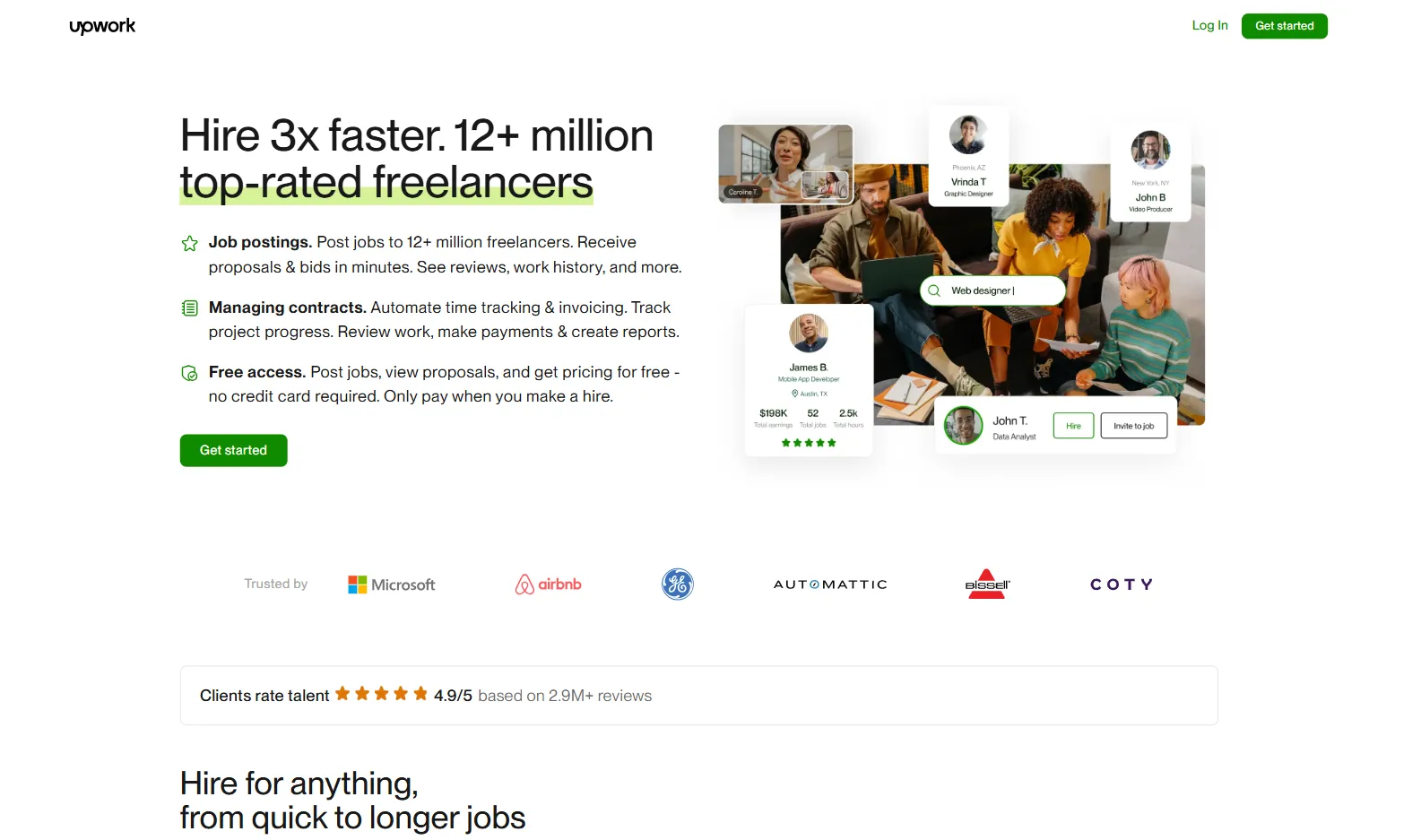
Upwork serves as a freelance marketplace but also provides access to skilled professionals open to contract, part-time, or full-time opportunities across diverse industries.
Best for: Contract positions, remote work opportunities, specialized project-based roles, and candidates with proven freelance track records.
Key Features:
- Best resume database for recruiters seeking specialized skills
- Detailed skill assessments and work history
- Client feedback and success scores
- Hourly rate and project preferences
16. CareerBuilder (Free Tools)

CareerBuilder offers free job posting trials and basic tools; resume search requires subscription or trial. While the platform has evolved to focus more on paid services, its free resources still provide access to millions of resumes and basic applicant tracking functionality suitable for occasional hiring needs.
Best for: Diverse industries and entry- to mid-level positions; supplementary sourcing.
Key Features:
- Limited free resume database searches
- Occasional free job posting promotions
- Basic applicant tracking functionality
- Email alert system for matching candidates
- Resume storage and organization tools
- Multi-industry candidate coverage
17. Xing
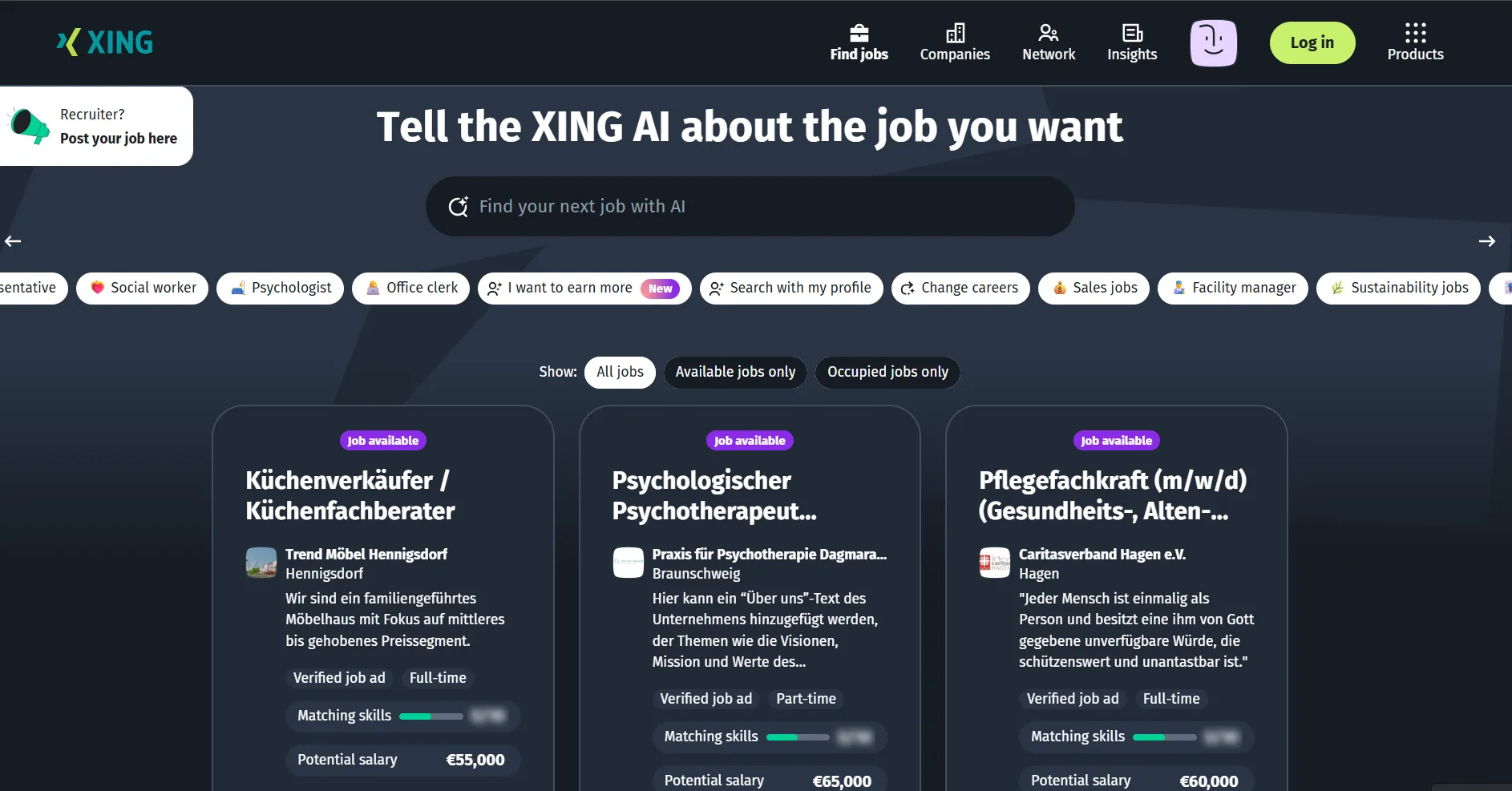
Xing is Europe's leading professional network with over 20 million members, particularly strong in German-speaking countries (Germany, Austria, Switzerland). The platform offers free basic search functionality that allows recruiters to find candidates by location, industry, and job title, making it essential for companies hiring in European markets or seeking multilingual talent.
Best for: European talent, particularly German-speaking markets; international and multilingual hiring.
Key Features:
- Extensive database of European professionals with detailed profiles
- Advanced search filters for location, industry, and experience level
- Group discussions and industry forums for passive candidate engagement
- Multi-language profile support for international recruitment
- Company pages for employer branding in European markets
- Event listings for networking and recruitment opportunities
18. Upwork (Free Client Account)
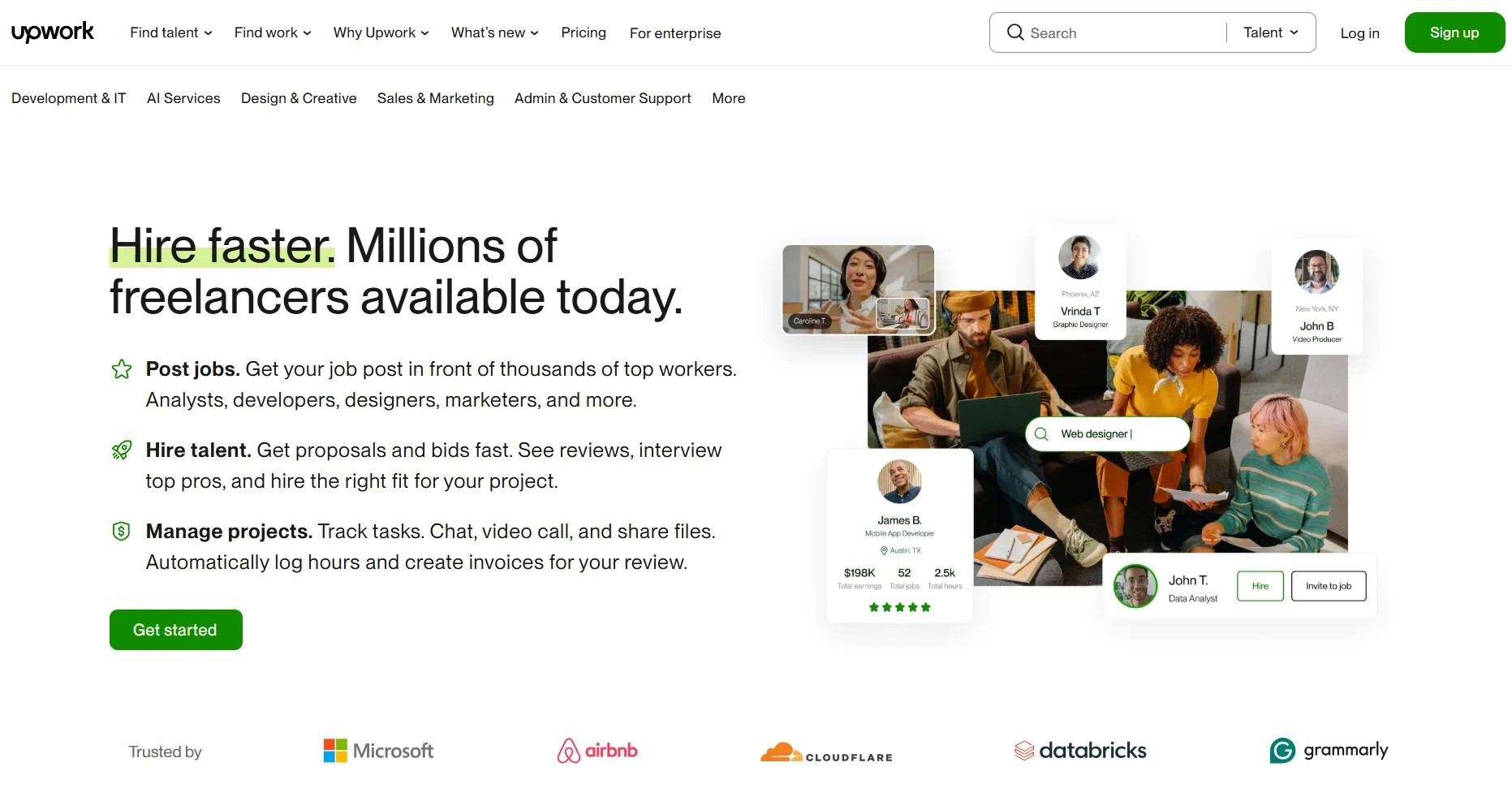
Upwork's free client account lets employers post jobs and browse millions of freelancer profiles that may be interested in full-time opportunities. Many talented professionals start as freelancers before transitioning to permanent roles, and Upwork's detailed profiles include work history, client reviews, skills tests, and portfolio samples that provide comprehensive candidate evaluation.
Best for: Remote positions, freelance-to-hire conversions, specialized skills, contract-to-permanent roles
Key Features:
- Access to 12+ million freelancer profiles across diverse skills
- Detailed work history with client ratings and feedback
- Skills tests and certifications validate candidate expertise
- Portfolio samples and case studies demonstrate work quality
- Hourly rate and availability information for negotiation insights
- Category-specific searches for specialized technical and creative skills
Why “Free” Candidate Search Sites?
With most recruitment sites, you are eventually going to run into some kind of paywall limit. This is why we’ve compiled a list of free sites that allow you to search for candidates. While many of these will have some sort of caveat, you can at least get started with your recruitment campaign knowing that you won’t jump through any registration hoops only to get hit with payment requirements. Our list provides the following core benefits for your candidate search needs:
- Cost-effective recruiting: Especially beneficial for startups, small businesses, and organizations with limited recruitment budgets
- Diverse talent pools: Different platforms attract various candidate demographics and industries
- Supplementary sourcing: Complement your existing paid platforms with additional candidate reach
Tips for Candidate Search
1. Optimize Your Search Strategy
To maximize your success when using these free platforms to find resumes, consider these search optimization techniques:
- Use Boolean search operators: Combine keywords with AND, OR, and NOT operators
- Include synonyms: Different candidates may use varying terminology for similar skills
- Search by location: Focus on geographic areas relevant to your open positions
- Filter by experience level: Match candidate experience with role requirements
Example: Instead of searching “Software Engineer”, use:
("Software Engineer" OR "Full Stack Developer" OR "Backend Developer") AND (Python OR Django) AND ("San Francisco" OR "Bay Area") NOT intern
2. Create Compelling Outreach Messages
When you search resumes for free and identify potential candidates, your initial contact message is crucial:
- Personalize each message: Mention 1–2 skills or experiences from the resume/profile.
- Be transparent: Clearly state the opportunity and your company information
- Highlight value: Explain what makes this opportunity attractive. Highlight growth opportunities, culture, or benefits.
- Include next steps: Provide clear instructions for expressing interest
Best Practice Example: “Hi Sarah, I noticed your experience with React and Node.js in your GitHub portfolio. At [Company], we’re building a product that uses the same stack, and I think your background could be a great fit. Would you be open to a quick call this week to learn more?”
3. Build a Systematic Approach
A successful resume search for employers requires organization and consistency:
- Track your searches: Maintain records of keywords and platforms used
- Schedule regular searches: Set aside dedicated time for candidate sourcing
- Organize candidate information: Use spreadsheets or CRM tools to manage prospects
- Follow up appropriately: Respect candidate preferences and response times
Best Practice Example: Use a spreadsheet with columns: Candidate Name | Role | Platform | Contacted (Y/N) | Response | Next Step | Notes. Update after every session.
4. Combine Multiple Platforms
Don't rely on a single resume database for recruiters. Instead:
- Search resumes on multiple free sites: Indeed, JobSpider, Jobvertise, Craigslist, and niche job boards.
- Diversify your sourcing: Use different sites for different types of roles
- Compare candidate pools: Understand which platforms yield the best results for specific positions. Compare conversion rates (contacted vs responded vs hired).
- Track source effectiveness: Measure which platforms provide the highest quality candidates
Best Practice Example: If 60% of qualified developers come from GitHub searches while only 20% come from Craigslist, allocate more time to GitHub for tech roles and Craigslist for entry-level/general roles.
Enhancing Free Sourcing with ATS Integration
While free candidate sourcing sites provide excellent talent access, managing candidates from multiple sources can become overwhelming without proper organization. This is where a comprehensive ATS like Manatal becomes invaluable.
Streamline your free sourcing efforts with:
- Centralized candidate database management across all sourcing channels
- Automated candidate parsing and profile creation from various platforms
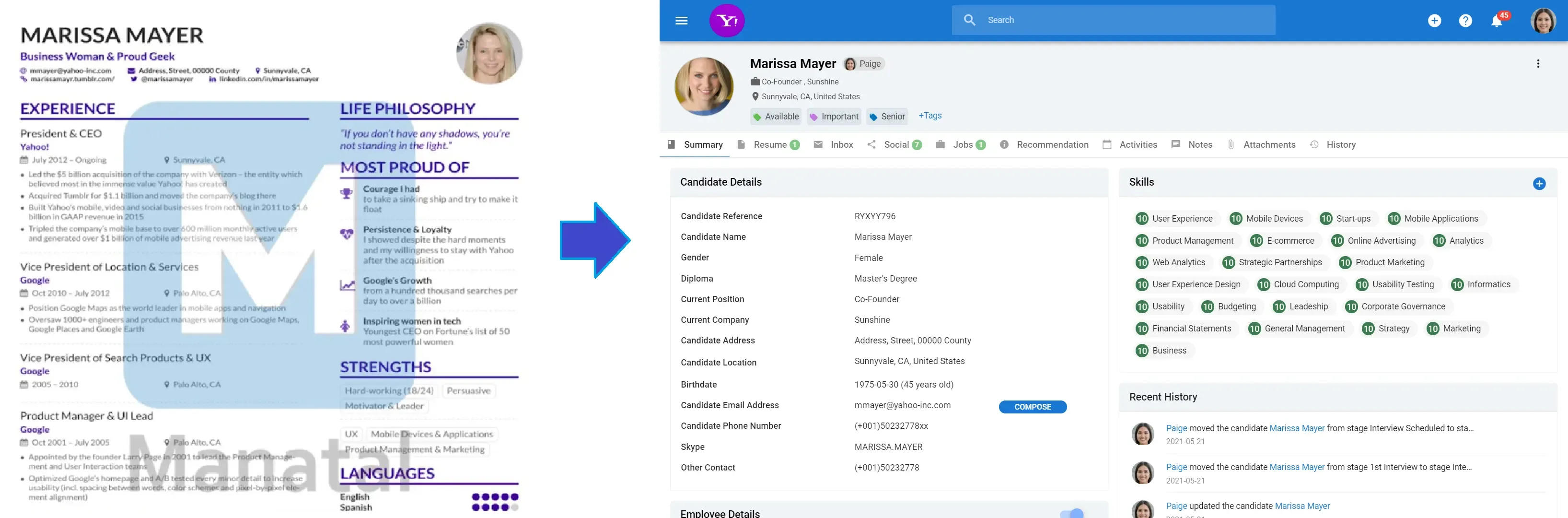
- Advanced search and filtering capabilities within your candidate pool
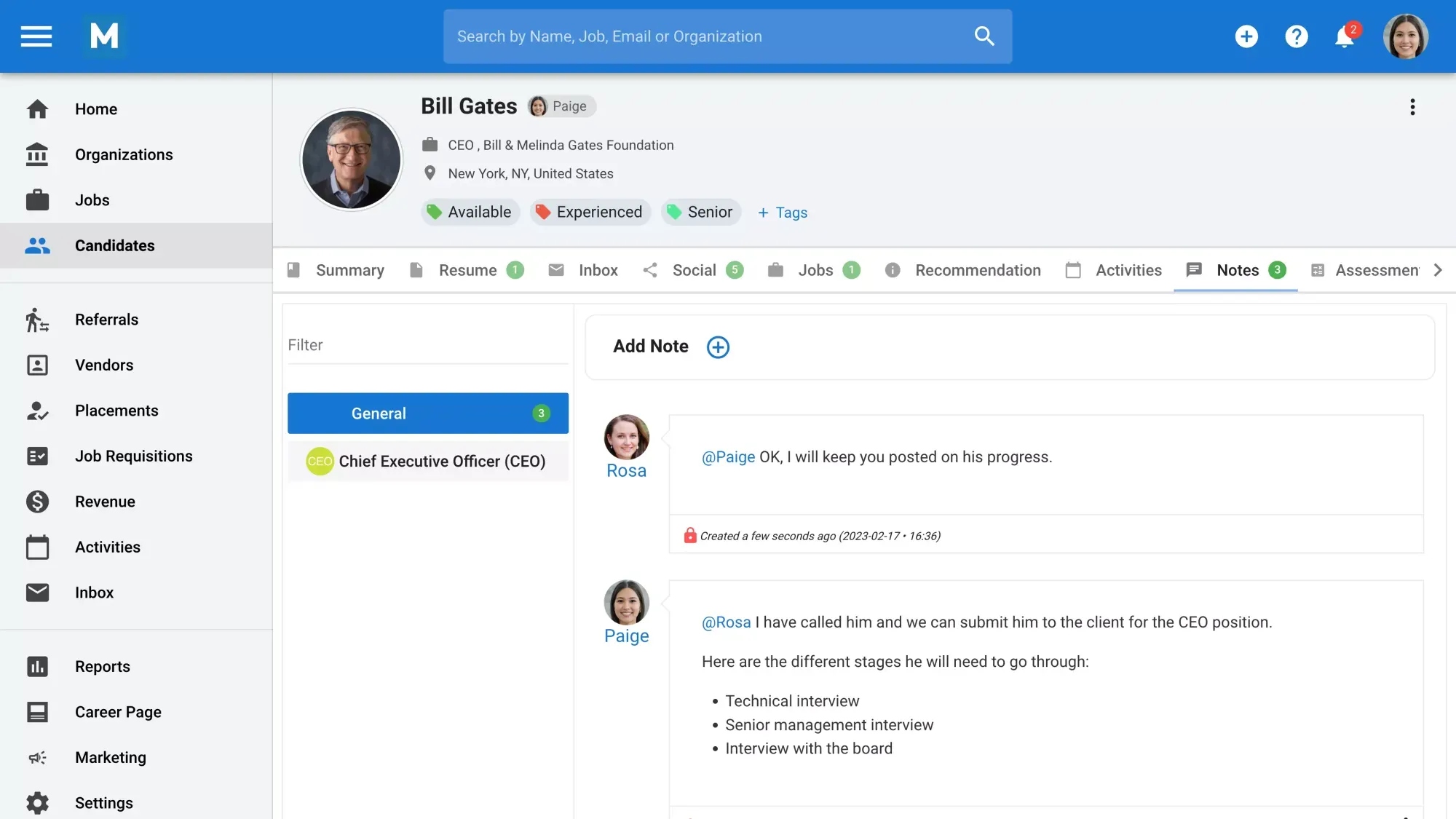
- Collaboration tools for team-based recruiting decisions
- Activity tracking and note management for candidate relationships
Conclusion
Whether you're a startup looking to find job candidates on a tight budget or an established company seeking to diversify your sourcing channels, these free platforms provide the foundation for effective, cost-conscious recruitment. Start with the platforms most relevant to your industry and roles, then expand your sourcing strategy as you gain experience and identify what works best for your organization. Remember that while these free resources are valuable for resume search, they work best as part of a comprehensive recruitment strategy that may include paid tools, employee referrals, and other sourcing methods. The key is finding the right mix of platforms and approaches that deliver quality candidates for your specific hiring needs.
Frequently Asked Questions
Q: How do I adapt free platforms for recruiting international candidates?
To effectively use free platforms for international recruitment, tailor your approach to reach a global audience:
- Make postings inclusive: Clearly state if your company offers visa sponsorship or remote work options. These details attract international candidates who require flexibility or support when relocating.
- Address language barriers: Platforms like LinkedIn and Indeed allow postings in multiple languages. Use free translation tools (e.g., Google Translate) or hire a translator to adapt job descriptions for key regions.
- Consider time zones: When scheduling interviews or replying to applicants, coordinate across time zones using tools like World Time Buddy to ensure timely communication.
- Choose global platforms: LinkedIn and Indeed have a worldwide presence, making them ideal for international outreach. Glassdoor, while more US-centric, can still attract some global talent.
For example, when recruiting for a remote role, add "remote work" to the job title on LinkedIn. This simple tweak attracted candidates from multiple countries, significantly expanding the talent pool.
Q: What limitations should I expect when using free recruiting tools?
A: Free recruiting tools come with trade-offs that can impact your process:
- Restricted features: Free versions often limit the number of postings or reduce visibility. For instance, LinkedIn’s free job posts may not appear in premium search results, unlike paid options.
- Variable candidate quality: Free platforms attract a broad audience, which can mean more applications but also more unqualified ones, requiring extra screening effort.
- Basic analytics: You might not get detailed insights into applicant behavior or posting performance, limiting your ability to refine your strategy.
- No integrations: Free tools often don’t sync with other HR software, making application tracking more manual.
To work around these, focus on crafting precise job postings to filter candidates early and use external tools (like spreadsheets) for basic tracking.
Q: What steps ensure my free job postings rank higher in search results?
A: To boost the visibility of your free postings:
- Optimize for search engines: Use specific, keyword-rich job titles (e.g., "Remote Senior Python Developer" instead of "Developer") and include relevant skills and locations in the description.
- Update regularly: Platforms like Indeed favor recent postings. Repost or refresh your listing every few days to stay near the top.
- Write compelling descriptions: Detailed, engaging job posts with clear requirements tend to rank higher and attract better fits.
- Use platform features: On LinkedIn, add relevant hashtags or share posts in industry groups. On Indeed, complete your company profile fully to boost your credibility.
A handy tip: Post during peak hours in your target candidates’ time zones to maximize immediate visibility.
Q: What follow-up strategies work best when free platforms restrict contact attempts?
A: When free platforms cap your ability to message candidates, try these workarounds:
- Switch to external channels: If allowed, use email or connect via social media (e.g., LinkedIn) for follow-ups. Include a clear next step in your initial outreach.
- Automate responses: Use free tools like Gmail’s scheduling feature or Mailchimp to send personalized follow-up emails at scale.
- Batch messages: Group similar candidates and send tailored bulk messages to save time while keeping it personal.
For instance, after contacting candidates on Indeed, try to send an automated email summarizing the role and outlining the process. This kept them engaged without exceeding platform limits.
Q: How do I handle a high volume of applications from free platforms effectively?
A: Managing a flood of applications requires efficiency:
- Use filtering tools: Add screening questions to your postings (e.g., "Do you have 3+ years of experience?") to weed out unqualified applicants upfront.
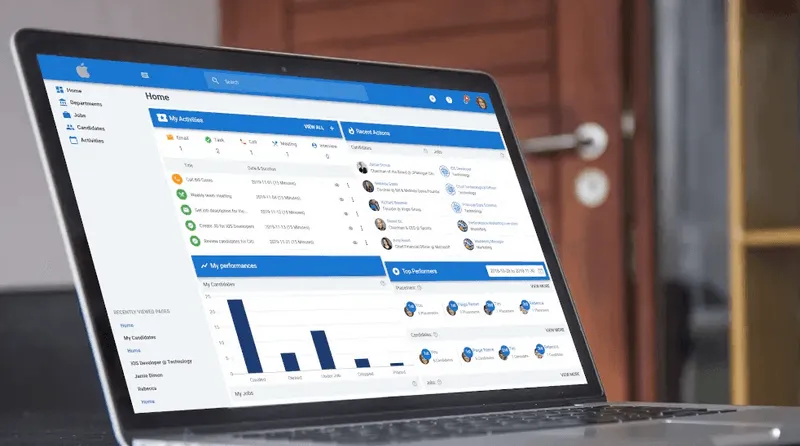
- Leverage software: Free or affordable applicant tracking systems (ATS) like Manatal can sort applications by criteria like skills or location.
- Automate acknowledgments: Send an auto-reply email to all applicants with a timeline for review, reducing manual follow-ups.
- Delegate tasks: Split the review process among team members to handle the volume faster.
.webp)







.webp)

.webp)


.webp)


