





Recruitment tools support each stage of hiring, from sourcing and assessments to interviews, background checks, scheduling, and applicant tracking. Used separately, they solve individual tasks. Used as a connected system, they help teams move faster, improve data quality, and see pipeline performance across every open role.
Most talent acquisition teams have some recruitment tools. However, the problem is that those tools do not connect, so candidate data gets trapped in separate systems, updates are re-entered manually, and reporting becomes fragmented. This article covers the recruitment tools that matter at each stage of the hiring workflow, how to connect them into a working stack, and what to review before adding anything new.
Best Recruitment Tools Across the Hiring Workflow
Most hiring delays come from gaps between steps, not from one broken tool. Candidates sourced outside your system never enter the pipeline, feedback gets lost, and scheduling slows down. A strong recruitment stack fixes this by centering everything around your ATS and connecting each stage back to it.
1. Manatal
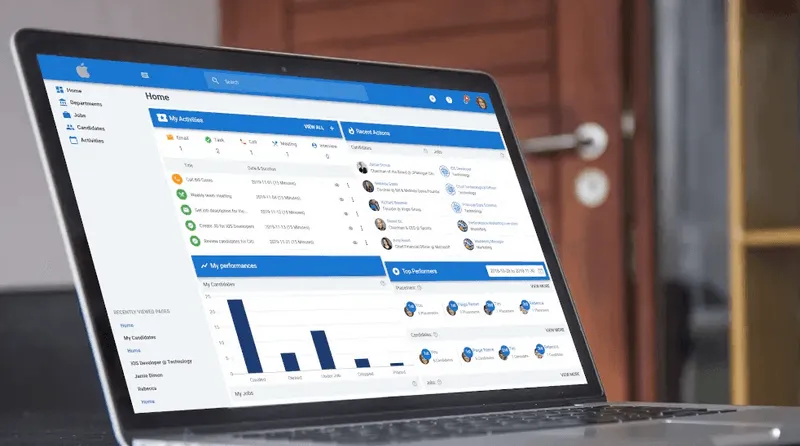
Manatal’s applicant tracking system sits at the center as the system of record. It keeps your candidate database, job pipelines, and hiring activity in one place, with a visual pipeline that makes stage movement clear and trackable. Manatal includes consent-request, consent-tracking, and data-privacy features that support GDPR, CCPA, and PDPA compliance, so compliance is handled alongside recruiting instead of separately. This setup allows the rest of your tools to connect back to the ATS and operate as extensions of the same process, from sourcing through to final verification.
{{cta}}
Job Distribution and Advertising Tools
These tools address a common early bottleneck: getting roles in front of the right candidates without wasting time or budget.
2. Appcast
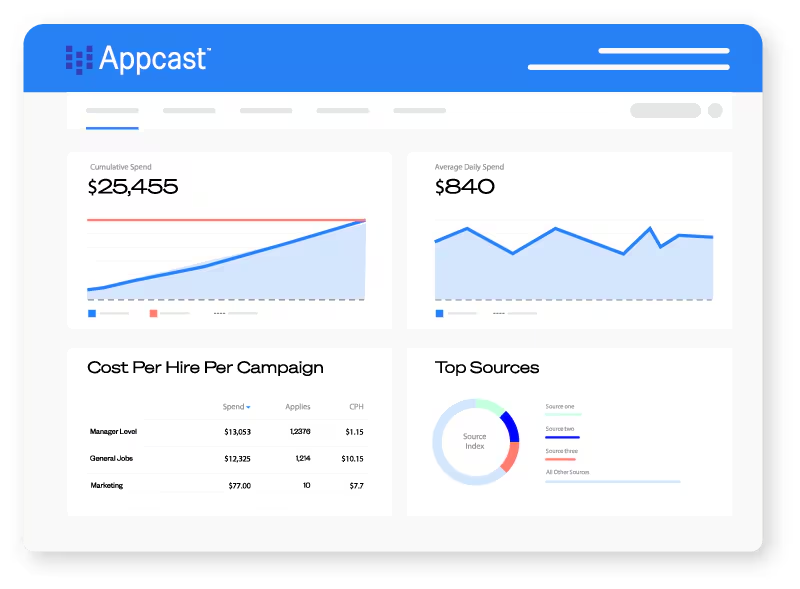
What it solves: High job ad spend with inconsistent applicant quality and no clear visibility into which channels actually convert.
How it helps: Appcast uses programmatic advertising to distribute your jobs across multiple channels and automatically adjusts budget based on performance. Instead of posting jobs and hoping for results, it tracks which sources drive qualified applicants and shifts spend toward those channels. This reduces wasted budget on low-performing boards and improves the quality of inbound candidates without manual optimization.
Where it fits: Use it when you are investing in paid job advertising and need better control over cost-per-applicant and source quality. It is most useful for high-volume hiring where manual job posting and static budgets cannot keep up with demand.
3. Joveo
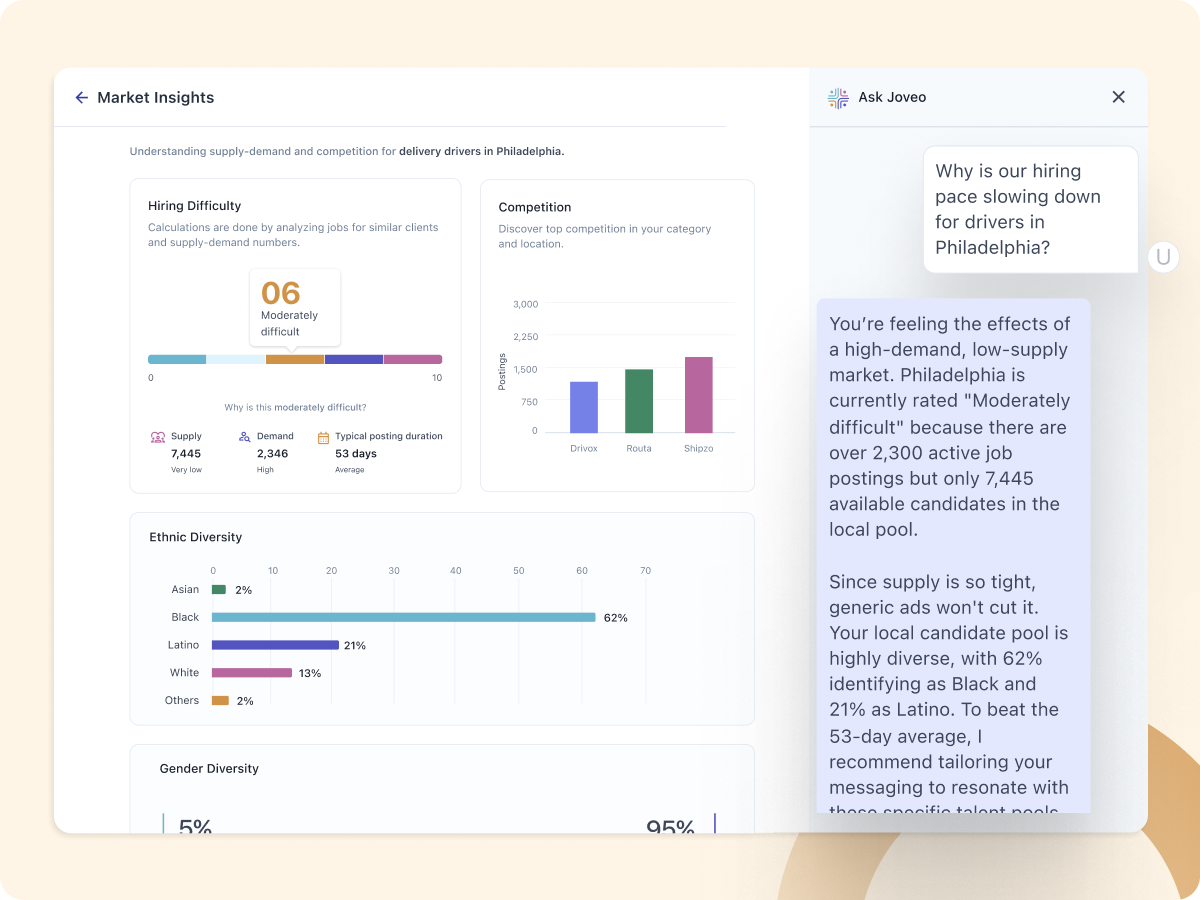
What it solves: Inefficient job advertising where spend is spread evenly across channels without accounting for performance differences.
How it helps: Joveo automates job ad placement using data and machine learning to determine where your roles should be advertised. It continuously optimizes campaigns by reallocating budget toward channels that generate better results, helping you attract more relevant candidates while reducing spend on underperforming sources. This removes the need for manual channel testing and ongoing adjustments.
Where it fits: Use it when you need to scale hiring through paid channels and want a data-driven approach to job ad distribution. It works best when combined with your ATS, where optimized applicant flow can be tracked and managed through your pipeline.
Sourcing and Talent Discovery Tools
Inbound applications alone do not fill senior or specialist roles. Sourcing recruitment tools expand your reach to candidates who are not actively applying, providing the foundation for teams that need to find candidates in a competitive market.
4. Recruit’em (recruitin.net)
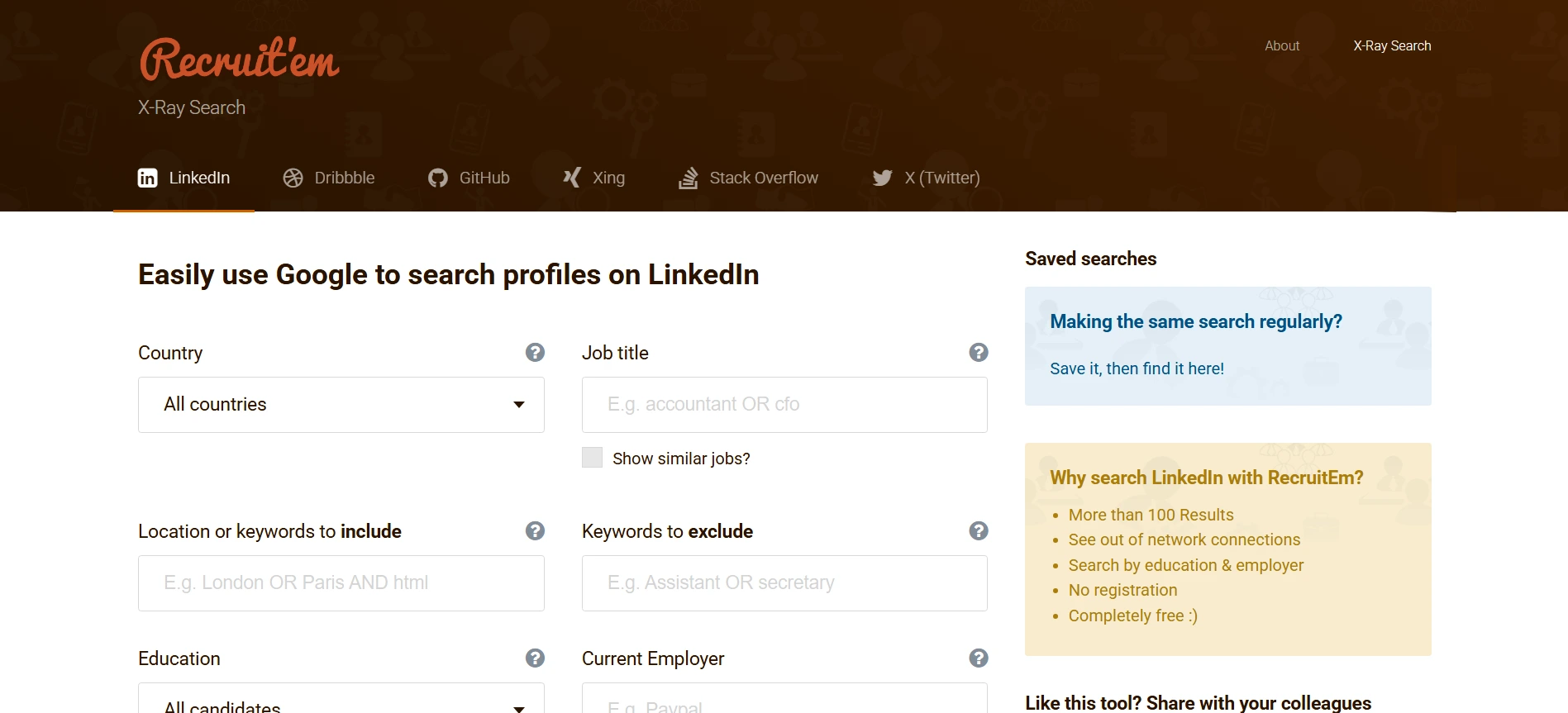
What it solves: Limited search visibility and slow Boolean building when sourcing across platforms.
How it helps: Recruit’em generates Boolean X-Ray strings to locate candidate profiles indexed by search engines. This tool automates the construction of search queries for public data on sites like GitHub, Stack Overflow, and Dribbble. This automation removes the requirement for manual syntax writing or learning site-specific search functions. Searching via Google instead of internal platform tools identifies results often excluded by standard filters.
Where it fits: Use it when you need to source passive candidates and want more control over seniority, keywords, and exclusion terms. It is especially useful when native search filters are too limited to surface the profiles you need.
5. Apollo.io
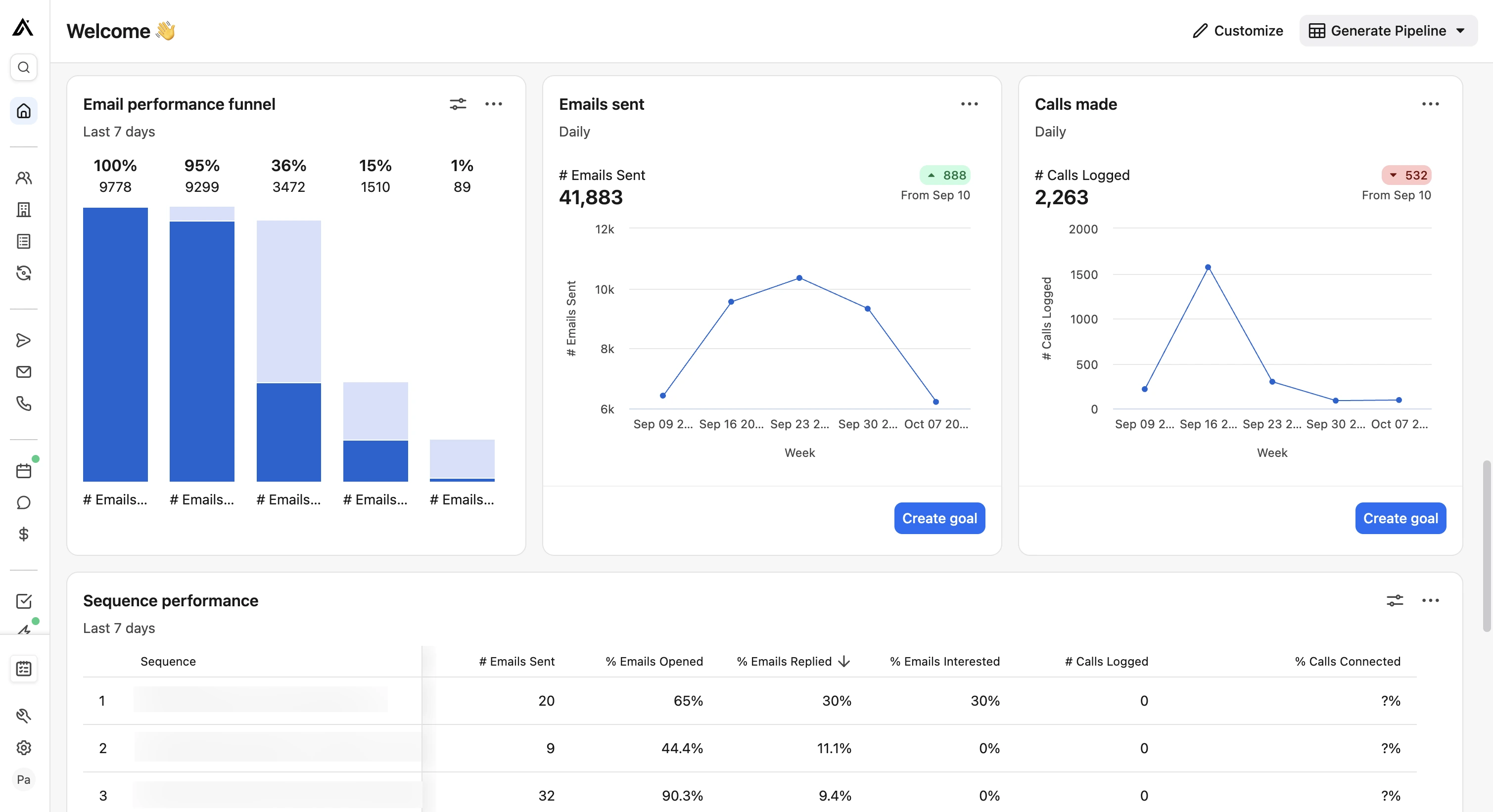
What it solves: Hard-to-reach passive candidates and inconsistent outreach follow-up.
How it helps: Apollo.io consolidates candidate contact data and outreach sequencing to manage the transition from sourcing to candidate engagement. Verified email addresses and direct phone numbers offer alternatives to platform-specific messaging through the implementation of automated follow-up workflows. This centralized system facilitates consistent contact with passive talent and removes the requirement for manual tracking throughout the process.
Where it fits: Use it when direct outreach matters more than inbound applications, especially for executive, technical, or other hard-to-fill roles. It also helps you keep candidate data and outreach activity connected to your ATS instead of being spread across separate recruitment tools.
Job Description Optimization Tools
A poorly written job description reduces application quality and diversity before the first application arrives. Beyond using language optimizers, it is important to align your JD strategy with your internal goals for diverse recruitment.
6. Textio
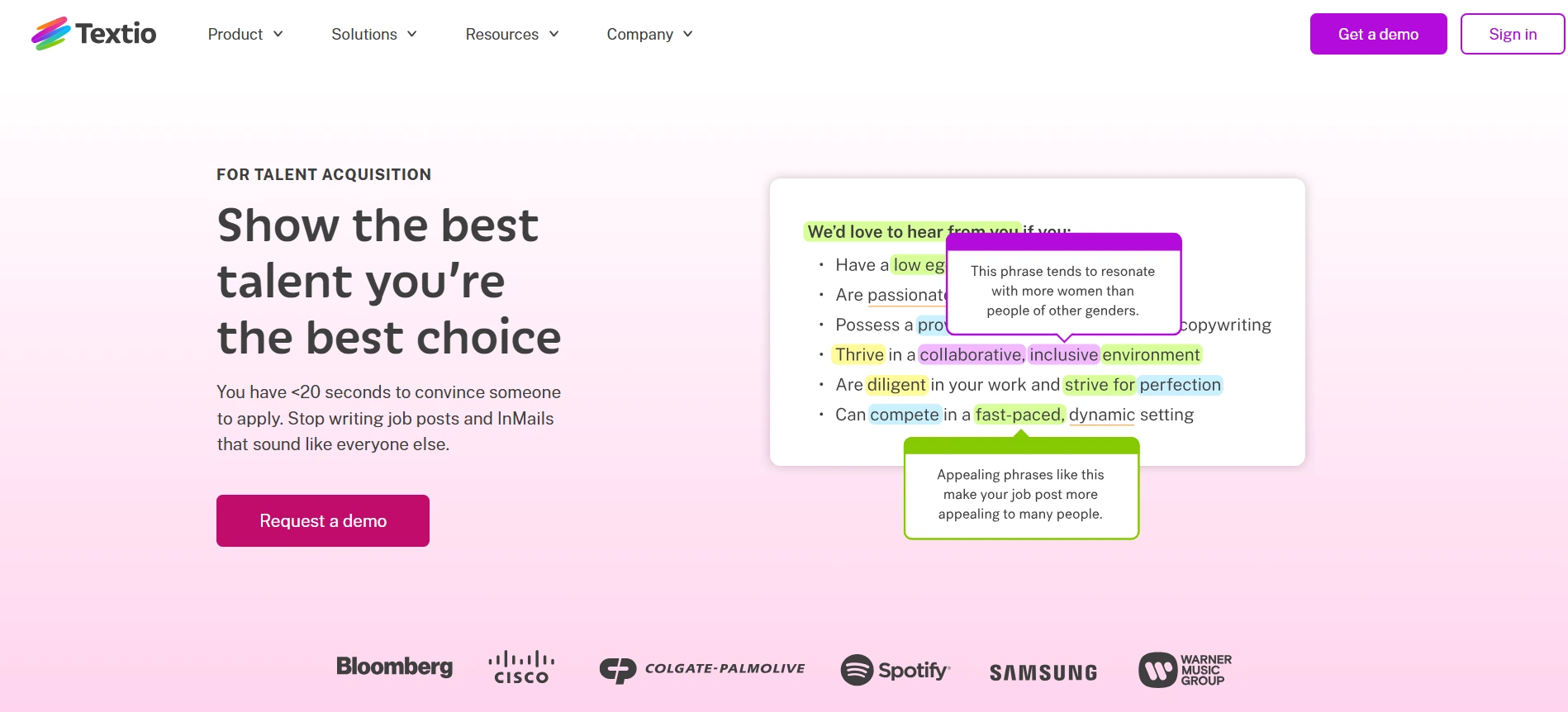
What it solves: Job descriptions that turn away qualified candidates before they apply.
How it helps: Textio shows you where your job description may be too vague, too restrictive, or likely to reduce engagement. It helps you rewrite language so the role is clearer and more accessible, which can improve the quality and range of applicants you receive. This is useful when you want your postings to attract stronger candidates without relying on guesswork.
Where it fits: Use it before publishing any new job description, especially for roles where application quality has been weak or inconsistent.
7. Gender Decoder
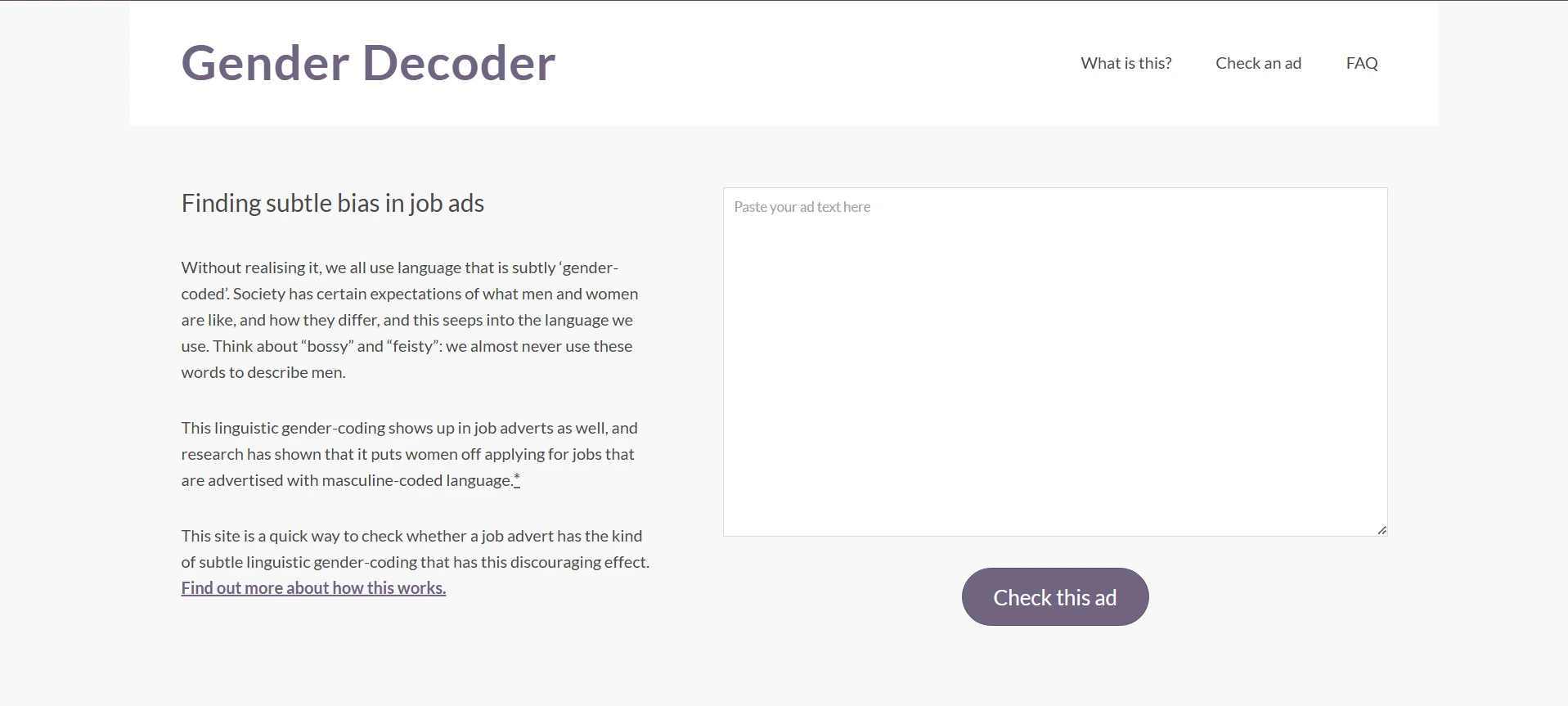
What it solves: Job ads that unintentionally signal preference toward one gender.
How it helps: Gender Decoder flags words and phrases that may skew how your job description is perceived. That lets you remove coded language before the posting goes live, which helps you write more neutral descriptions and avoid narrowing your applicant pool unnecessarily. It is a simple way to improve inclusivity during the drafting stage.
Where it fits: Use it as a final review step before publishing a job description.
Candidate Engagement Tools
For high-volume roles, candidate drop-off during the application process is a direct cost. Every candidate who abandons an application represents time already spent on sourcing and job posting.
8. Olivia by Paradox
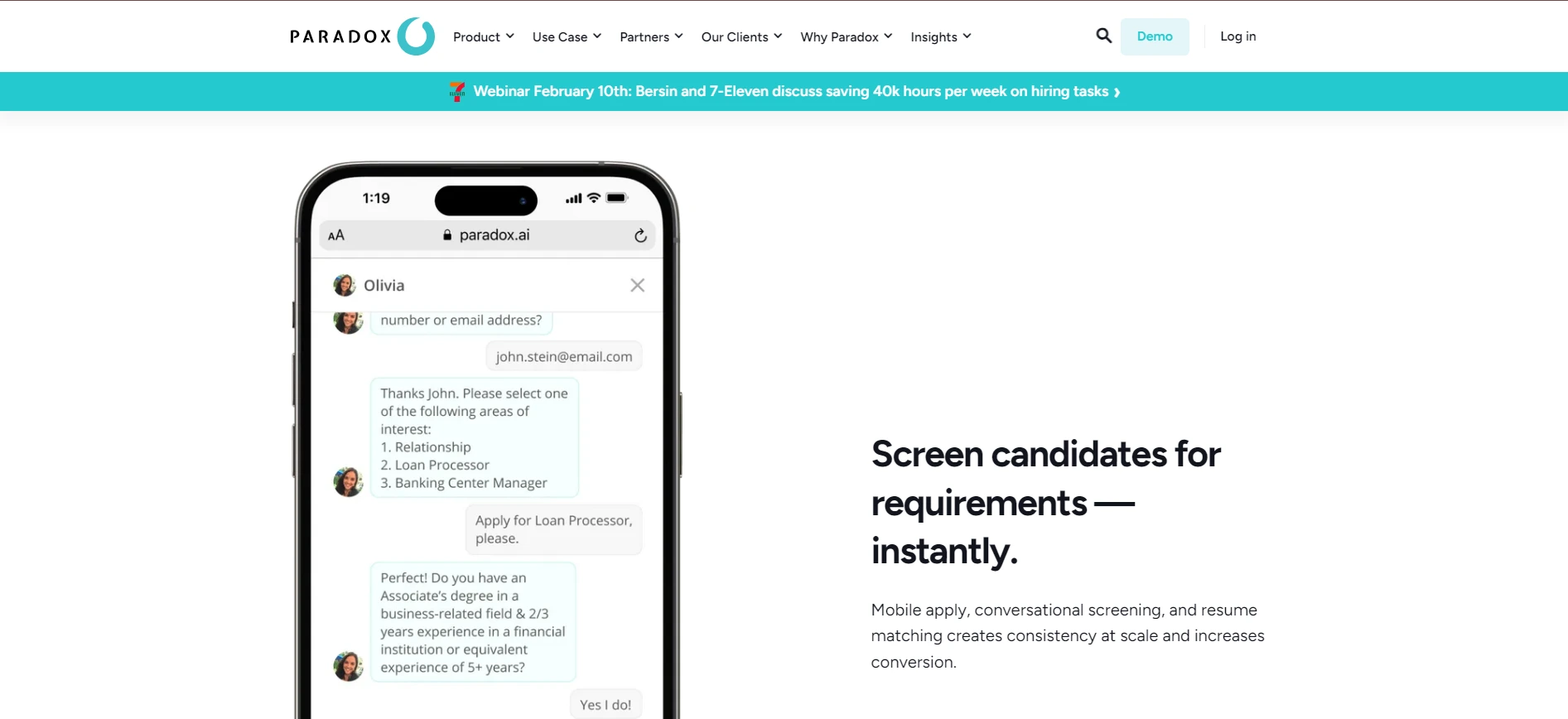
What it solves: Slow response times and recruiter overload at the top of the funnel.
How it helps: Olivia takes over initial candidate interactions through SMS or chat, so you can screen applicants and schedule interviews without manual follow-up. It captures key qualification data before candidates enter your ATS, which helps you filter out low-fit applicants earlier. This keeps your pipeline focused and reduces the time recruiters spend on repetitive screening tasks.
Where it fits: Use at the application stage for high-volume roles where speed and consistency matter. Qualified candidates move forward automatically, while unqualified ones are filtered out without recruiter involvement.
9. XOR

What it solves: Candidate drop-off and inconsistent communication across regions.
How it helps: XOR automates screening, scheduling, and candidate FAQs through conversational workflows. Its multilingual capability allows you to engage candidates in their preferred language, which improves completion rates and reduces friction during the application process. This is especially useful when hiring across multiple countries.
Where it fits: Use at the early screening stage when you need consistent communication at scale across different geographies.
Candidate Assessment Tools
Screening resumes alone assesses self-reported experience, not actual skill. Assessment tools replace assumptions with data before you invest recruiter time in live interviews, which is why choosing the right candidate assessment tools is critical for identifying top-tier talent.
10. Codility
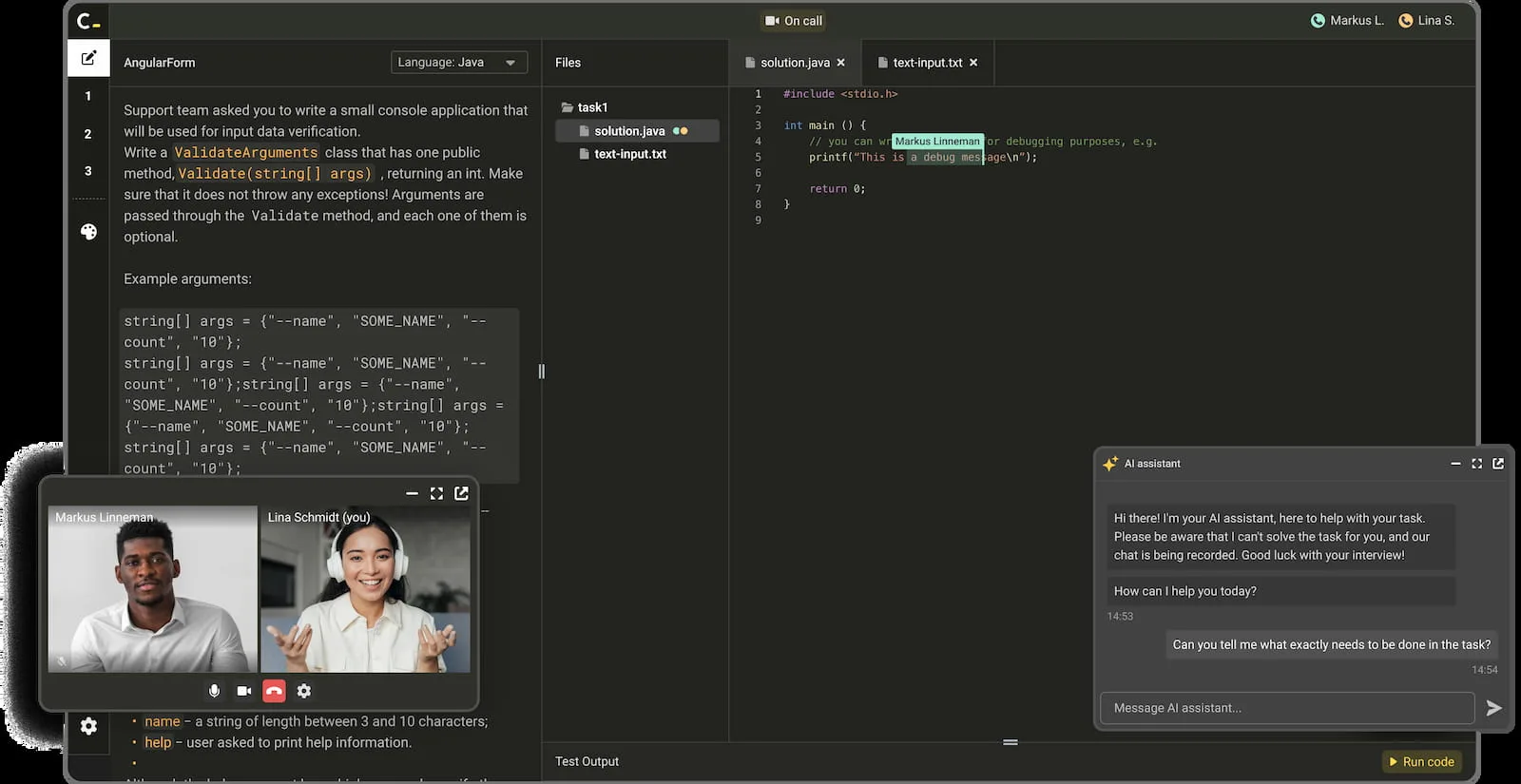
What it solves: Difficulty identifying technically qualified candidates early in the hiring process.
How it helps: Codility gives you a structured way to validate coding ability before interviews. Candidates complete real-world coding tasks, and results are scored automatically, so you can quickly identify who meets the technical bar. With Manatal integration, you can send Codility assessments directly from the job pipeline, and completed scores are automatically displayed in candidate profiles for centralized evaluation.
Where it fits: Use after initial screening and before technical interviews to control quality entering the interview stage.
11. Testlify
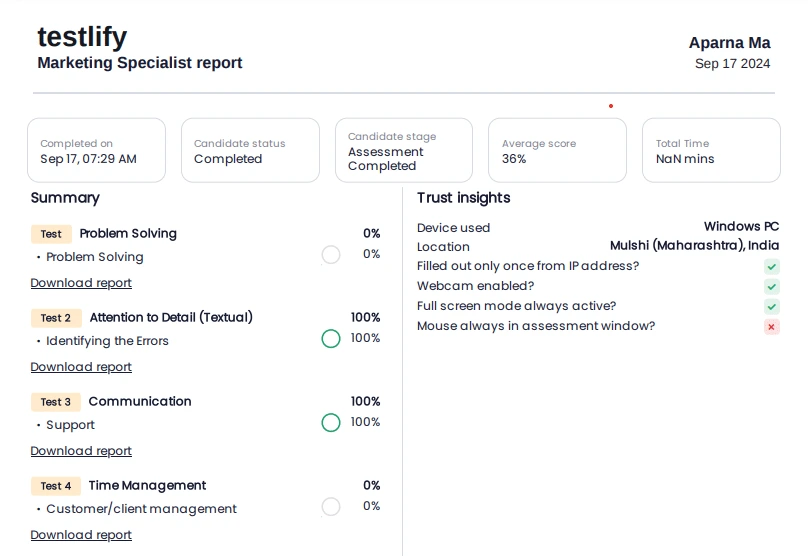
What it solves: Lack of structured evaluation for non-technical roles.
How it helps: Testlify allows you to assess candidates on cognitive ability, behavior, and role-specific skills using pre-built tests. This creates a consistent evaluation layer where resumes alone are not reliable indicators of performance. With Manatal integration with Testlify, you can send assessments and video interviews directly from the pipeline, with results automatically synced to candidate profiles.
Where it fits: Use after application review for roles in sales, marketing, operations, and other non-technical functions.
12. Vervoe
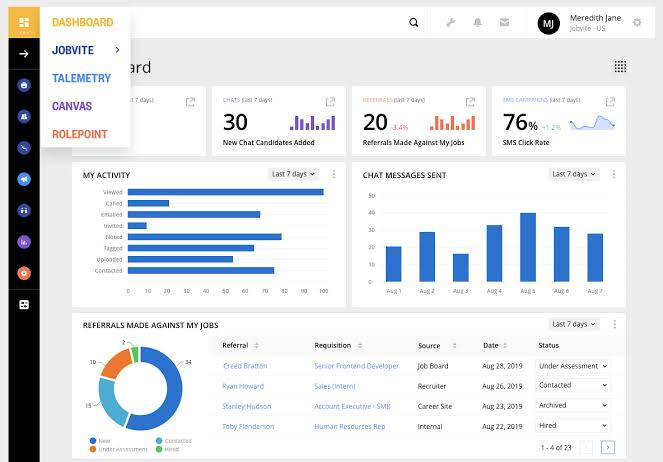
What it solves: Overreliance on resumes and interviews that do not accurately reflect how candidates perform on the job.
How it helps: Vervoe uses role-specific assessments that simulate real work tasks, allowing you to evaluate candidates based on how they actually perform rather than what they claim on their resume. It automatically scores responses and ranks candidates.
Where it fits: Use it after initial screening to validate job-related skills before interviews. It is especially useful for roles where practical ability matters more than credentials, and where you need a consistent way to compare candidates.
Interview Scheduling Tools
Interview scheduling is one of the highest-friction tasks in recruitment. The recruitment tools below address different scheduling scenarios.
13. Google Workspace (Gmail and Google Calendar)
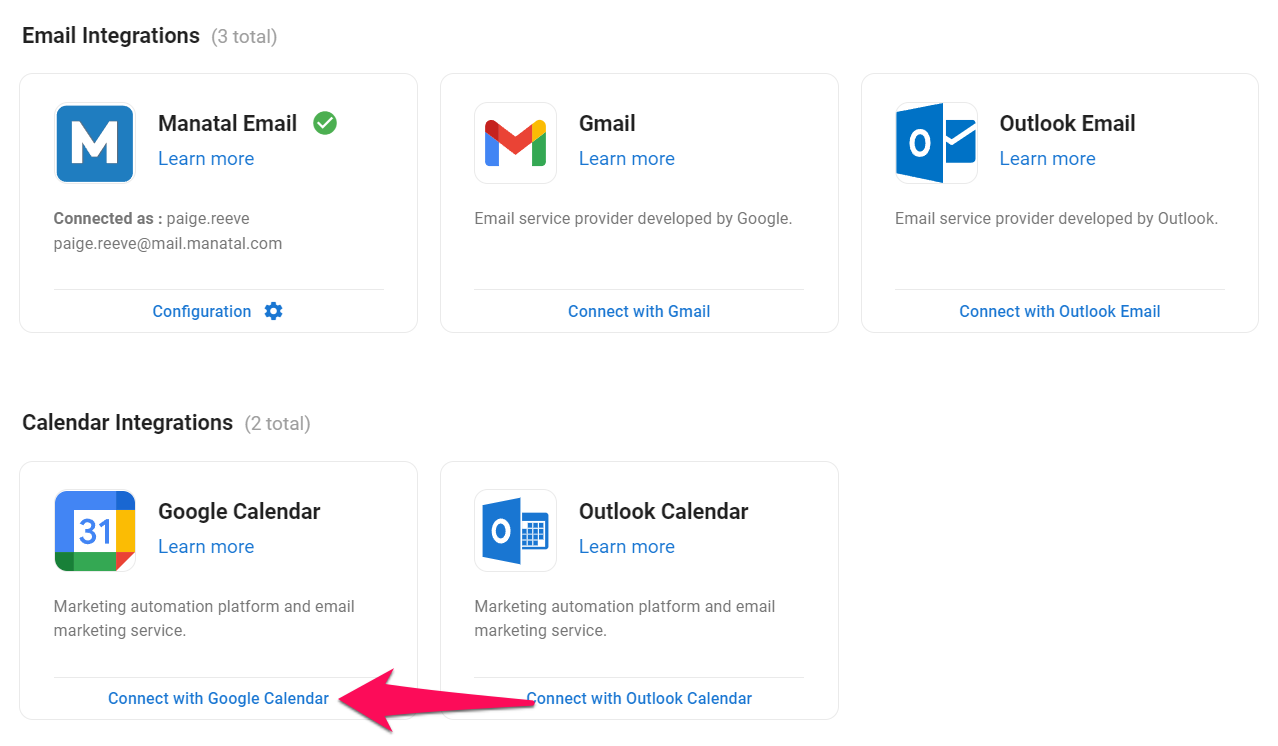
What it solves: Slow candidate communication and interview scheduling when email and calendar updates are managed separately.
How it helps: Manatal’s Google Suite integration centralizes candidate email conversations and syncs events with Google Calendar, so you can manage interview logistics without switching between tools. That keeps replies, meeting invites, and calendar updates visible inside your hiring workflow instead of scattered across inboxes.
Where it fits: Use after application review as an alternative to first-round phone screens, when you need to send screening invites and manage scheduling without manual back-and-forth.
14. Microsoft 365 (Outlook)
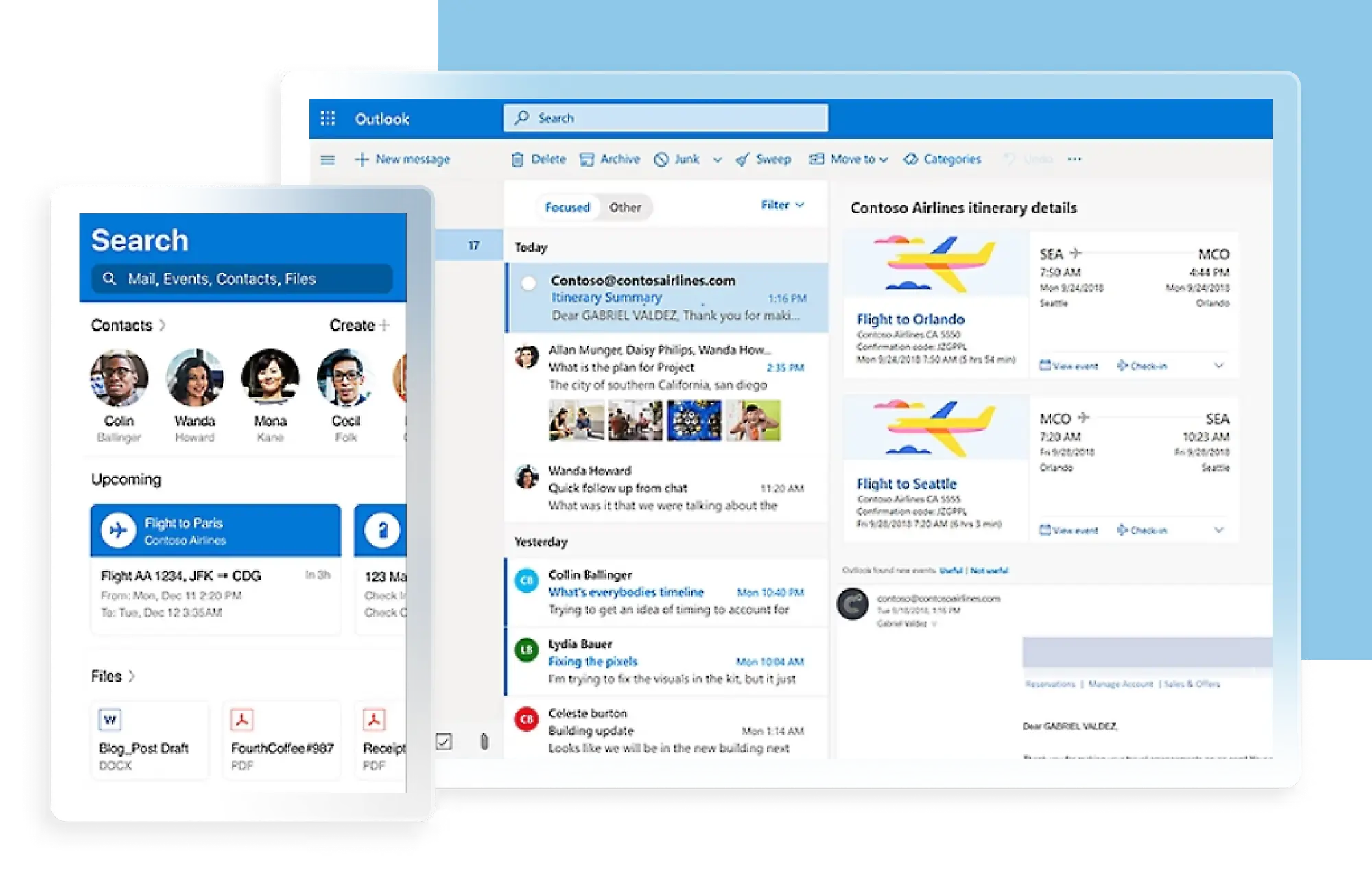
What it solves: Disconnected email threads and calendar conflicts during interview scheduling.
How it helps: Manatal’s Microsoft 365 integration syncs email and calendar data, which lets you manage candidate communication, schedule meetings, and track activity inside the ATS. This reduces copy-paste work and keeps interview details aligned across Outlook and Manatal.
Where it fits: Use after application review as a replacement for first-round phone screens, especially if your team works in Outlook and needs interview scheduling kept in sync with the rest of the hiring process.
15. Calendly
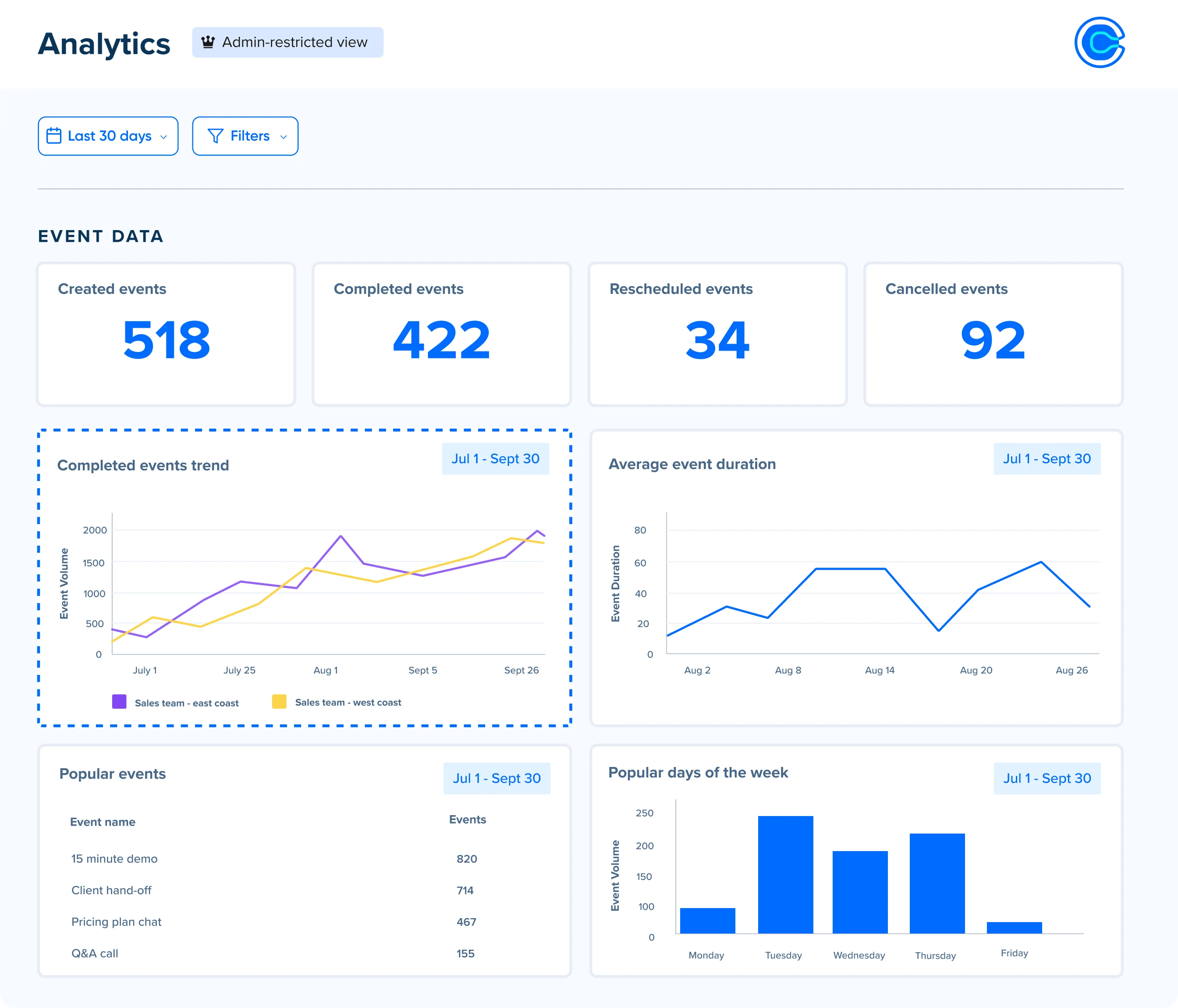
What it solves: Delays caused by manual interview scheduling.
How it helps: Calendly eliminates back-and-forth emails by allowing candidates to book available time slots directly. This keeps scheduling fast, reduces coordination errors, and ensures candidates move through the process without unnecessary delays.
Where it fits: Use across all interview stages where one-on-one or panel scheduling is required.
16. Doodle
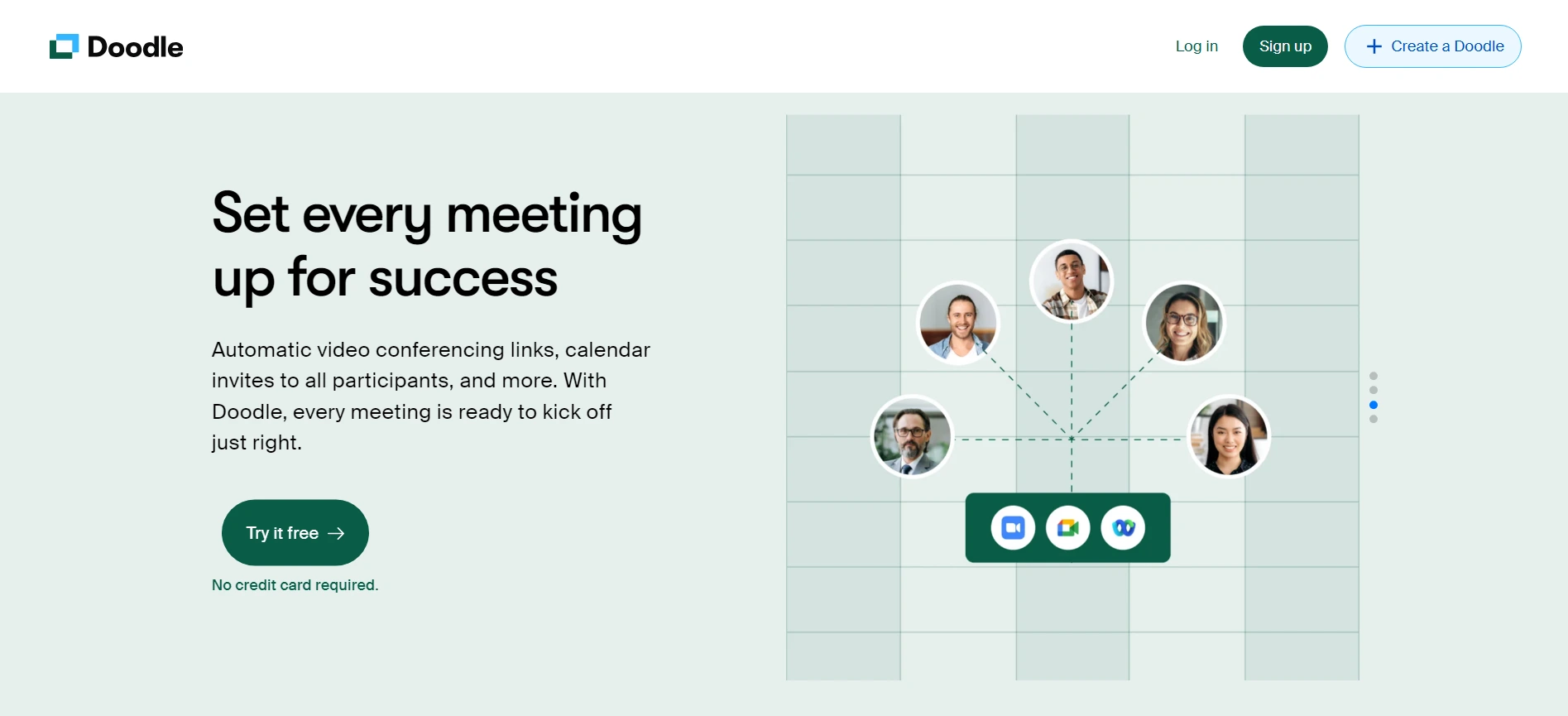
What it solves: Difficulty aligning multiple interviewers’ availability.
How it helps: Doodle simplifies scheduling when several stakeholders need to agree on a time. Instead of coordinating individually, you send a poll and select the slot that works for the group. This avoids long coordination cycles and reduces delays in panel interviews.
Where it fits: Use for panel or stakeholder-heavy interviews where availability is hard to align.
17. Reclaim

What it solves: Loss of recruiter productivity due to fragmented schedules.
How it helps: Reclaim automatically organizes your calendar to protect time for sourcing, screening, and interviews. It adjusts meetings around priorities and reschedules when conflicts arise, which helps you maintain consistent recruiting output even with competing internal demands.
Where it fits: Use alongside your calendar system to manage workload across multiple open roles.
Video Interviewing Tools
These tools let you run one-way and live video interviews, review responses asynchronously, and use AI remarks and team collaboration to compare candidates faster. To further standardize your selection, consider pairing these tools with a structured topgrading interview approach.
18. Jobma

What it solves: Manual early-stage screening and the delay between reviewing candidates and moving them through the interview process.
How it helps: Jobma lets you run one-way and live video interviews, review responses asynchronously, and use AI remarks and team collaboration to compare candidates faster. You can integrate Jobma with Manatal to send video interview invitations, monitor candidate progress, and review evaluations directly inside Manatal, which keeps screening activity tied to the ATS instead of spread across separate recruitment tools.
Where it fits: Use it after application review when you want to replace first-round phone screens with structured video screening and keep the results attached to the candidate record in Manatal.
19. InterviewStream
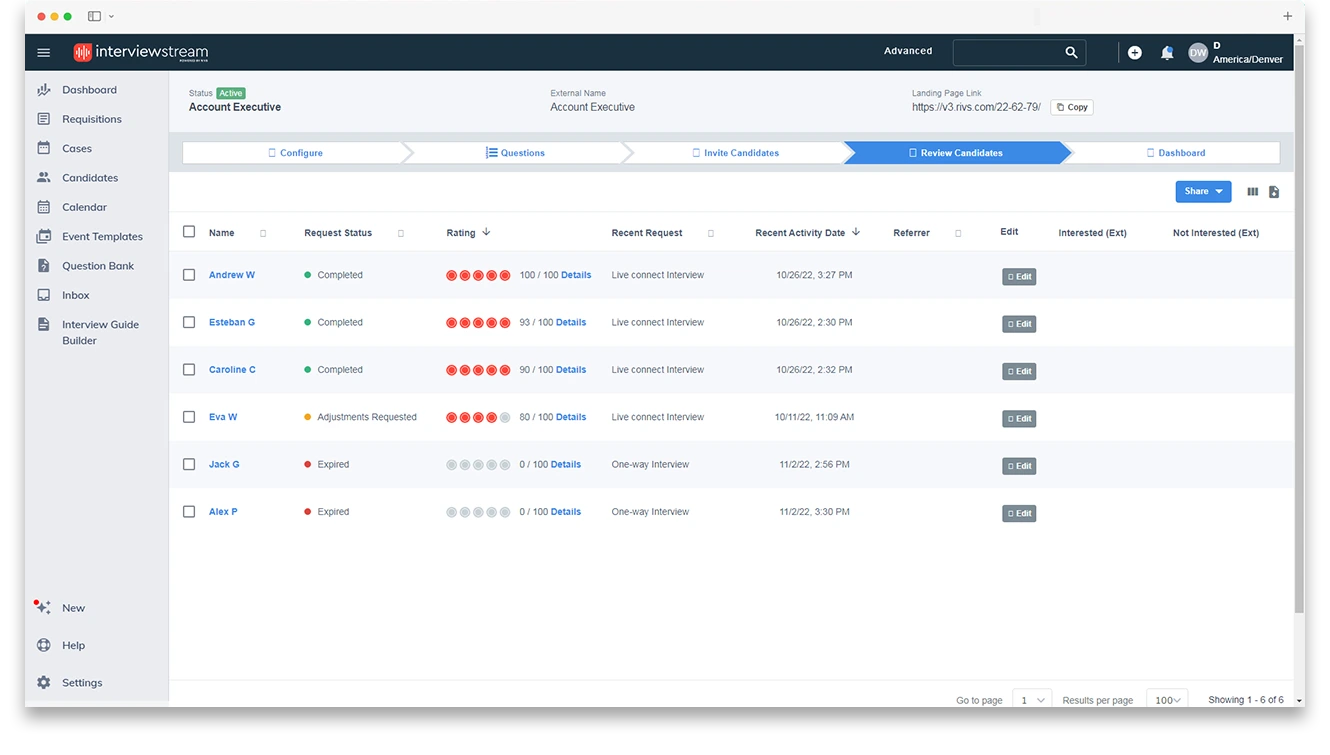
What it solves: Slow early-stage screening and scheduling friction when recruiters need to move candidates through interview steps faster.
How it helps: InterviewStream combines on-demand video interviewing, live video interviewing, and interview scheduling in one platform, which reduces the time spent coordinating calls and reviewing candidates. It is built to help recruiters screen faster and manage the process with less manual back-and-forth.
Where it fits: Use it after application review when you need to screen candidates asynchronously or schedule early interviews without pulling multiple people into live coordination.
20. Spark Hire

What it solves: The volume and scheduling overhead of traditional phone screens in the early stages of hiring.
How it helps: Spark Hire’s one-way video interviews let recruiters review recorded responses on their own schedule instead of booking a live screening call for every applicant. That makes it easier to handle larger applicant pools and move candidates forward more quickly.
Where it fits: Use it after application review as a replacement for first-round phone screens when you need a faster, more consistent way to screen at volume.
Background and Reference Check Tools
Background checks create a verification gap between offer acceptance and start date. When handled manually, they slow the process and require chasing candidates for documents.
20. Checkr
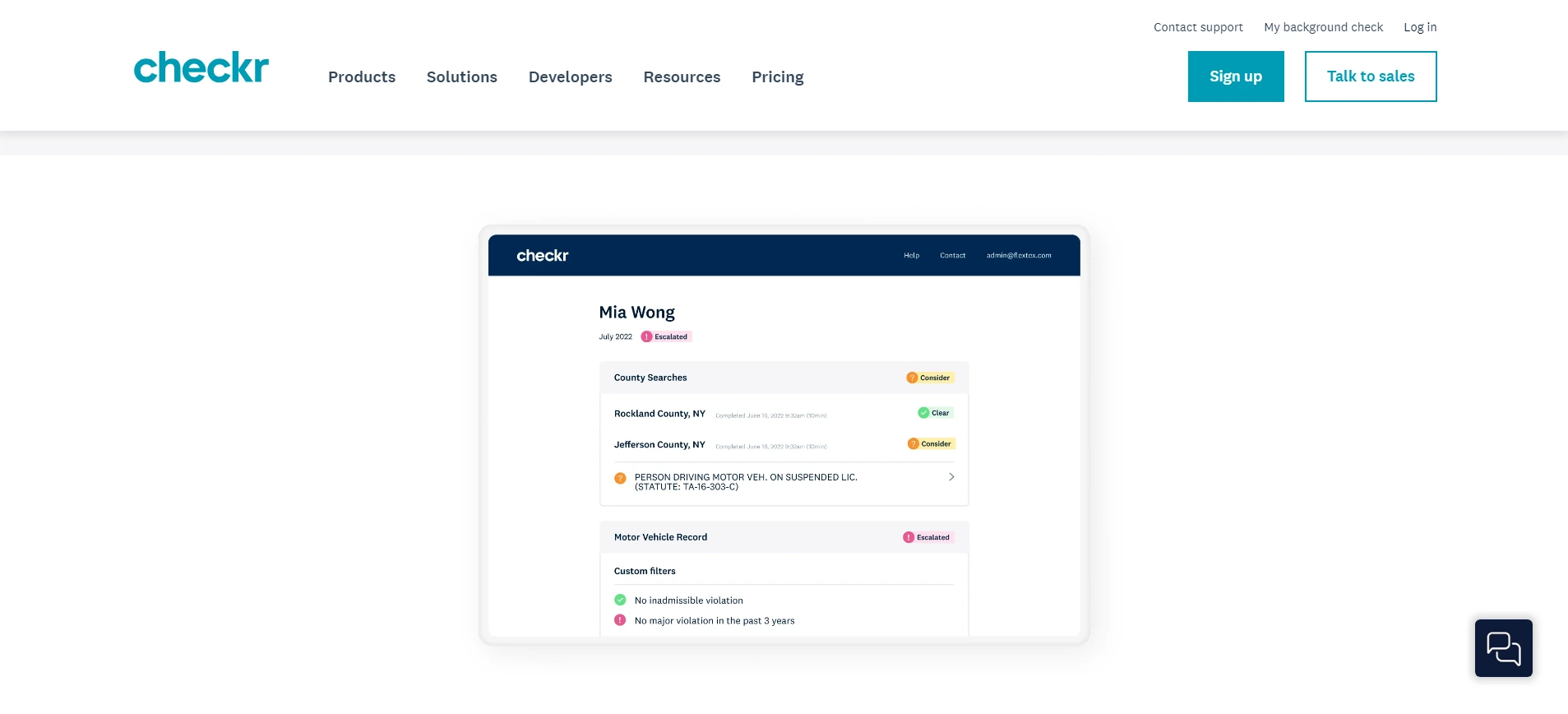
What it solves: Manual screening steps and slow follow-up during the final stage of hiring.
How it helps: Checkr automates background screening so you can move candidates through verification without chasing documents by hand. It supports identity checks, criminal record reviews, and employment or education verification, which helps you complete final-stage screening faster. If a result needs review, the workflow also helps you handle next steps in a more structured way.
Where it fits: Use it after offer acceptance or during the final approval stage, when you need to complete screening before onboarding begins.
21. GoodHire

What it solves: Time spent managing candidate questions and corrections during background checks.
How it helps: GoodHire offers self-service access to background check information, which reduces the amount of follow-up your team has to handle. That is useful when candidates have complex work histories or need to review and dispute information. It keeps the screening process moving while giving you visibility into progress without constant manual check-ins.
Where it fits: Use it when you want a candidate-facing screening process that reduces admin work and makes dispute handling easier to manage.
22. Xref
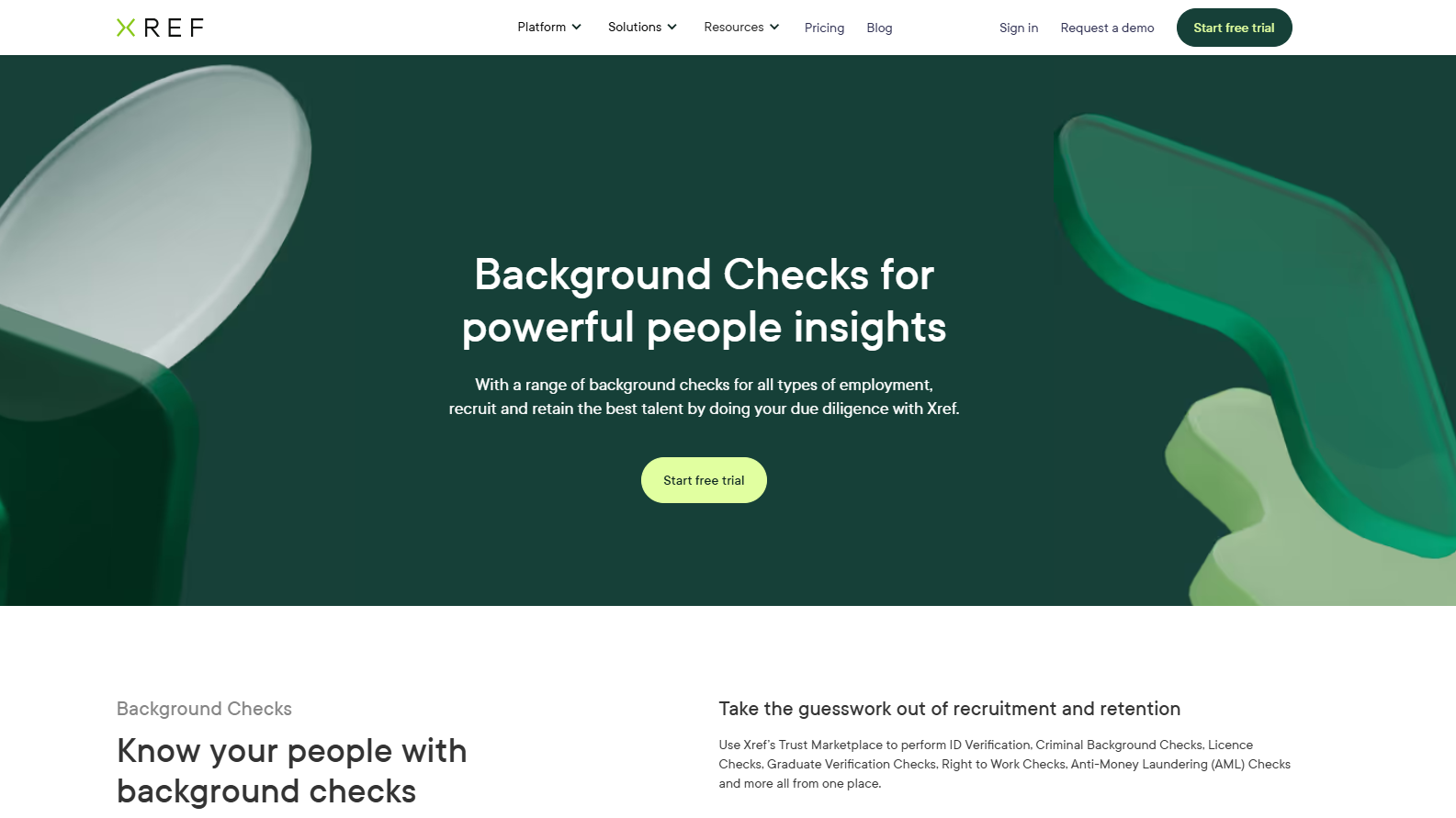
What it solves: Slow, manual reference checks that delay final hiring decisions.
How it helps: Xref automates reference requests and collects referee feedback through an online workflow, so recruiters do not have to chase responses by phone or email. It also structures the feedback into reports with clear summaries and competency signals, which makes it easier to compare candidates and move decisions forward.
Where it fits: Use it after final interviews and before offer confirmation when you need to complete reference checks quickly and keep the process consistent across candidates.
Workflow Automation Tools
Not every tool in your stack integrates natively with every other. Automation platforms fill those gaps.
23. Zapier
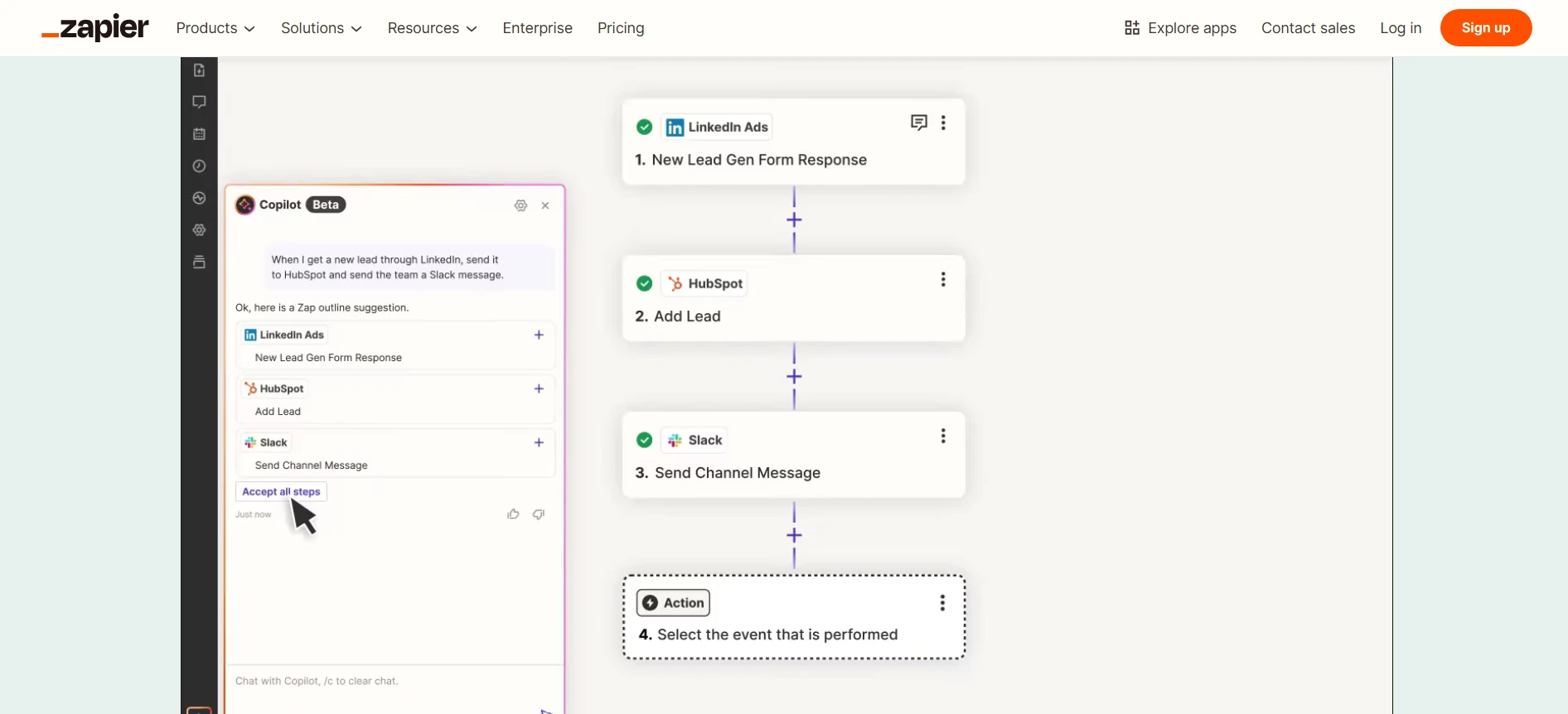
What it solves: Repetitive manual tasks and disconnected recruitment tools.
How it helps: Zapier connects Manatal with thousands of other apps, so you can automate routine actions like creating records, moving data, and sending notifications without manual handoffs. That keeps candidate information moving through your workflow and reduces the risk of missing key steps between sourcing, screening, and interview coordination. Manatal’s Zapier integration works through its API, which lets you build these automations around the ATS instead of outside it.
Where it fits: Use across the entire recruitment funnel to automate repetitive workflows and system handoffs, especially when you need Manatal to exchange data with tools that are not connected natively.
24. IFTTT

What it solves: Simple, repetitive actions that do not require complex workflows.
How it helps: IFTTT handles basic one-condition automations, making it useful for lightweight integrations. It helps you keep routine updates, like job postings or notifications, running without manual effort.
Where it fits: Use for simple automation needs where a full workflow tool would be unnecessary.
Conclusion
Recruitment tools only deliver value when they work as a connected system anchored by your ATS. Each tool in this stack addresses a specific stage of hiring, but the real impact comes from how they integrate to reduce manual work, keep data consistent, and move candidates through the pipeline without delays. Start by structuring your ATS properly, then add recruitment tools that solve clear gaps in sourcing, screening, assessment, and scheduling. When each part feeds into the same system, your hiring process becomes easier to manage, faster to execute, and more reliable across every role. This connectivity effectively transforms your tech stack into a high-performing recruitment management system.
Frequently Asked Questions
Q: What are recruitment tools?
A: Recruitment tools are software applications that support specific hiring tasks such as applicant tracking, candidate sourcing, AI screening, assessments, interviews, scheduling, background checks, and workflow automation. In Manatal, those functions are brought into one platform through its ATS, recruitment CRM, AI recommendations, candidate enrichment, reporting, and automation features, so candidate data and hiring activity stay in the same system instead of being spread across separate tools.
Q: What is the difference between an ATS and a recruitment CRM?
A: An ATS manages active candidates as they move through the hiring pipeline, while a recruitment CRM is used to manage relationships and keep talent or client/prospect data organized for future hiring work. Manatal combines both in one platform: its ATS handles candidate tracking and pipeline movement, and its recruitment CRM supports relationship management and communication, especially for agency workflows. That setup helps you keep active hiring data and long-term relationship management connected instead of splitting them across different systems.
Q: How do I decide which recruitment tools to add to my stack?
A: Start with the bottleneck, then choose the tool that removes it. If manual screening is slowing hiring, Manatal’s AI recommendations and candidate scoring can help you rank applicants faster. If scheduling is the issue, Manatal’s Google, Outlook, and Microsoft 365 calendar integrations can keep interview coordination inside the workflow. If candidate follow-up is breaking down, Manatal’s email integrations, automation features, and Zapier integration can move data and notifications between systems without manual entry. The right stack is the one that connects back to your ATS and fixes a specific operational problem instead of adding another disconnected layer.
.webp)







.webp)

.webp)


.webp)


