


Recruitment teams want deeper insights and less manual work. However, using tools like ChatGPT, Claude, and other LLMs often creates more administrative friction. Recruiters currently have to switch tabs constantly, copy-paste data manually, and lose context just to get a simple answer. This friction limits the true potential of generative AI in your daily workflow.
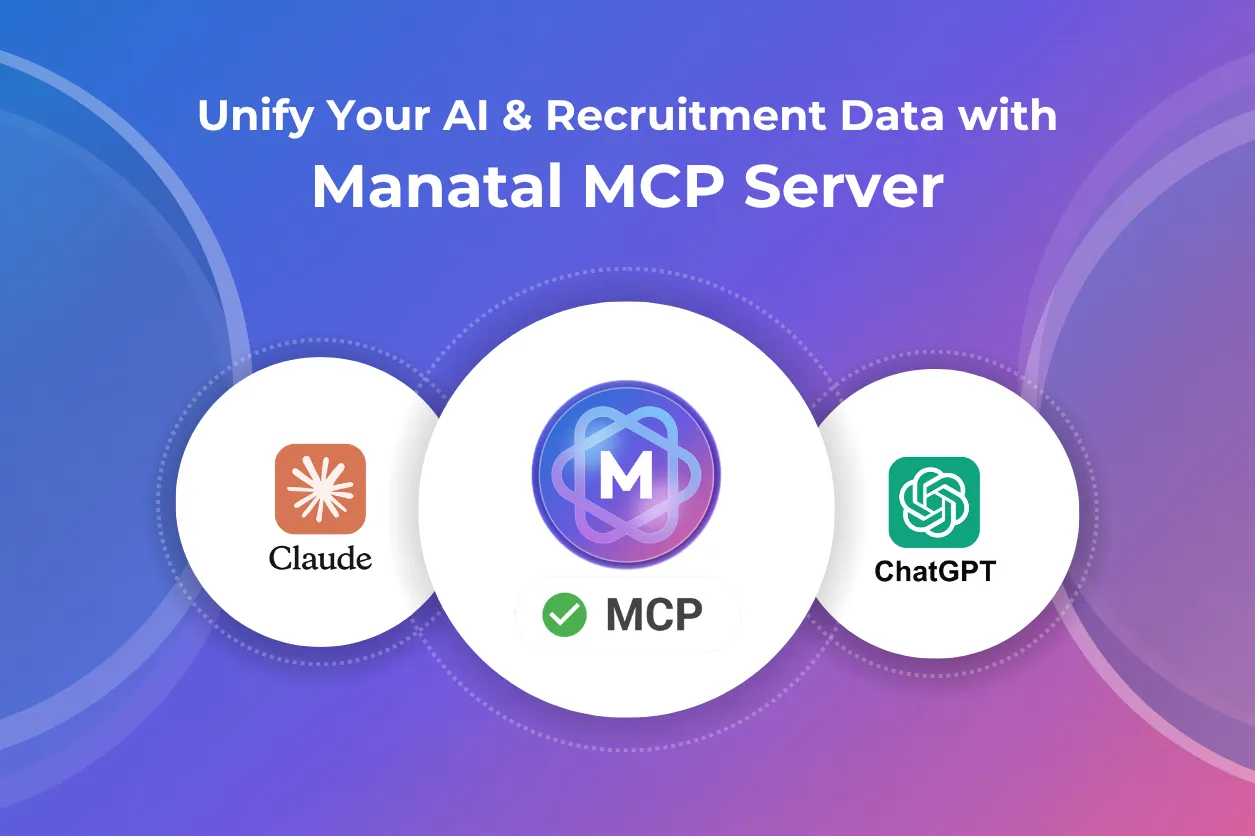
Today, we are announcing the Public Beta of Manatal MCP Server, making Manatal the first recruitment software to provide a native integration for ChatGPT, Claude, and other LLMs.
Your Database is Now Conversational
The Manatal MCP integration grants your favorite AI chatbot secure access to the data stored within your Manatal account. You can bring candidates, jobs, notes, and organizations directly into your conversations with AI models.
Here’s what you can do:
- Query your database: Ask questions about your candidates or jobs using prompts in natural language directly from ChatGPT, Claude, and other LLMs.
- Draft documents fast: Create interview preparation notes, executive summaries, and personalized outreach messages using real candidate profiles and job descriptions without tedious copy-pasting.
- Source candidates: Search your existing database to identify the best matches for a new job opening instantly.
- Execute tasks: Perform actions like adding notes to a profile or matching a candidate to a job directly from your chatbot interface.
Ready to try it? Book a demo here >>
Improving the Recruiter Workflow
The primary benefit of this integration lies in combining multiple actions into a single request. You can condense multiple complex tasks into one prompt.
Rapid Database Search for Urgent Roles
When you have a critical job opening, speed matters. You no longer need to run multiple manual searches with different keyword combinations.
You can simply prompt ChatGPT, Claude, or other LLMs with the job details. Your AI chatbot will search your database, qualify the talent, and match the best candidates for the role.
Example Prompt: "We just opened a Full Stack Developer role at Acme Corp. Find the top 3 candidates in San Francisco, match them to the job, and add a note to each profile explaining why they fit."
Meeting and Interview Preparation
You can use Manatal MCP integration with your preferred AI chatbot to summarize critical information or prepare a report before a call or a meeting:
- Interview Guides: Your AI chatbot finds the candidate's profile and the job description to generate specific interview questions and talking points.
- Client Briefs: Your favorite LLM generates a full relationship history and a summary of active jobs for your stakeholder or hiring manager meetings.
Instant Candidate Summaries
Recruiters spend hours reformatting information to submit candidate profiles to hiring managers or clients. You can now ask your favorite AI tool to retrieve a candidate’s full profile, check the notes from your colleagues, and instantly draft a professional, concise executive summary ready for review.
Pipeline Reporting
You can generate status updates on your hiring pipeline without manually aggregating data. A single prompt can produce a pipeline status report for any specific job. This report includes the job overview, the stage of top candidates, and recommended next steps.
Data Management
You can update your database records directly from your preferred AI chatbot, without navigating through Manatal’s interface. Examples of actions your AI chatbot can perform include:
- Add a new candidate to your database
- Add an education or work history for an existing candidate
- Create a new client or department
- Create a new job opening
Explore how Manatal AI supports sourcing, screening, and data management across the entire recruitment lifecycle.
Join the Public Beta
The Manatal MCP Server integration is available now and accessible to all Enterprise Plus users without additional cost.
New to Manatal? Click here to start your 14-day free trial to transform the way you recruit today.
Existing Customer on a Professional or Enterprise plan? Upgrade today to benefit from Manatal MCP Server or schedule a demo with our team to discover the exclusive features available in our Enterprise Plus plan.
Existing Enterprise Plus Customer? You can set up the integration today by following the steps described in our documentation article accessible here.
.webp)







.webp)

.webp)


.webp)


